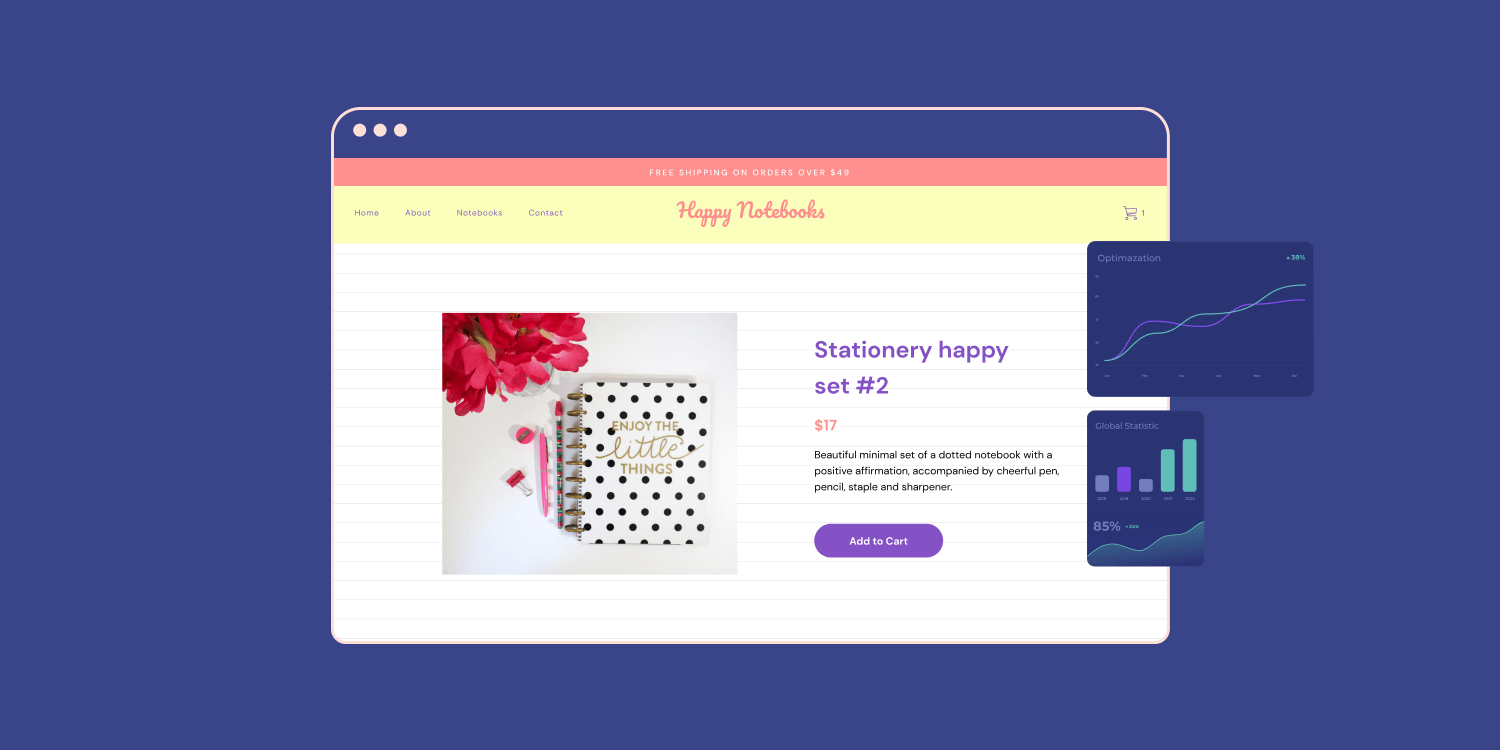
Managing a growing Shopify store means handling dozens, sometimes hundreds, of individual product pages. When you're scaling your inventory and need to build multiple product pages efficiently, the traditional one-by-one approach quickly becomes a bottleneck. This article walks you through practical methods for creating multiple product pages in Shopify, complete with Shopify product page examples that demonstrate what works and why, so you can streamline your workflow and get your products online faster.
If manually building each page sounds exhausting, PagePilot's AI page builder offers an alternative. Instead of duplicating templates or copying content repeatedly, this tool helps you generate optimized product pages at scale, letting you focus on strategy rather than repetitive tasks while maintaining the quality your customers expect.
Summary
- Managing inventory at scale creates a time bottleneck that limits how many products stores can test before running out of capital or patience. Oberlo's 2024 analysis found that successful dropshipping stores test an average of 23 products before identifying a consistent winner, while stores constrained by manual workflows test only 11 products on average before settling for mediocre performers.
- Shopify store owners spend an average of 6.2 hours per week on product page creation and updates, according to the platform's 2023 merchant survey. That translates to over 300 hours annually spent on page assembly rather than product research, marketing strategy, or customer acquisition.
- Visual inconsistencies in manually built pages erode buyer confidence in ways that aren't immediately obvious. When trust badges appear in different positions across product pages or button colors vary because you forgot which template you used last time, customers subconsciously register doubt about operational maturity.
- Page load delays create conversion penalties that compound across your catalog. Even a one-second delay can reduce conversions by approximately 7% according to Portent's 2023 research.
- Businesses allocate roughly $92 to customer acquisition for every $1 spent on conversion optimization, according to 2023 industry analysis from Invesp. That imbalance exists partly because manual workflows make page testing prohibitively slow.
PagePilot's AI page builder compresses product page creation from 45 minutes to approximately three minutes by generating complete, conversion-optimized pages from competitor or supplier URLs, letting store owners test more products faster without sacrificing design consistency or page quality.
The Real Problem With Creating Multiple Product Pages in Shopify
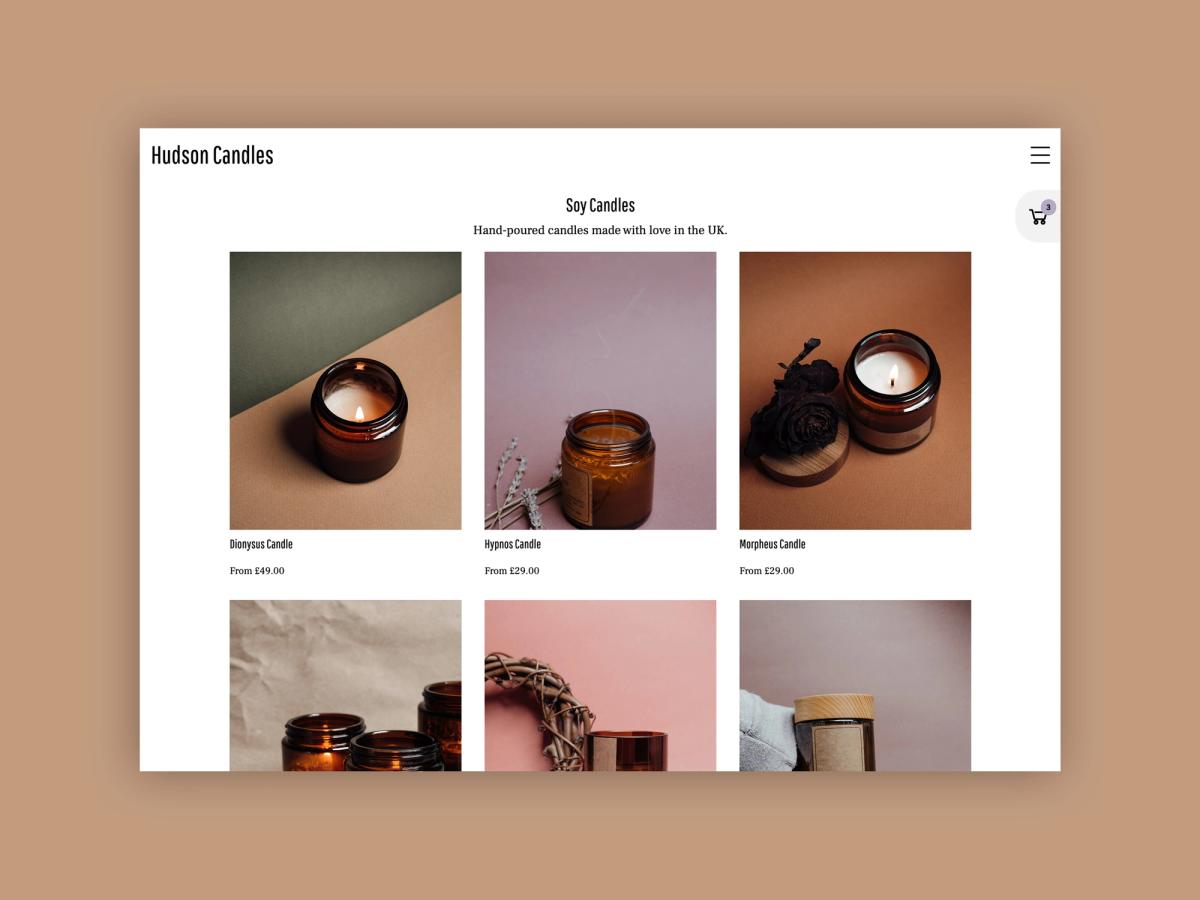
Most Shopify store owners can build one solid product page. They know where the images go, how to write a description, and which buttons to add. The breakdown happens when they need to create the second, third, or twentieth page while keeping everything consistent, optimized, and fast.
The real issue isn't technical knowledge. It's the operational burden of repetition without a system.
When Duplication Becomes a Bottleneck
Creating your first product page feels manageable. You spend an hour choosing images, writing copy, adjusting layout sections, and testing the checkout flow. It feels productive because you're building something from scratch.
The Scaling Trap
But when you need to launch ten more products this week, that same process doesn't scale. You start copying sections from previous pages. You duplicate layouts and swap out images. You rewrite descriptions that sound just different enough to avoid feeling identical. What took an hour now takes 45 minutes, but multiply that by ten products, and you've burned half a workweek on repetitive tasks that don't move your business forward.
The 300-Hour Drain
According to Shopify's 2023 merchant survey, store owners spend an average of 6.2 hours per week on product page creation and updates. That's over 300 hours annually spent on page assembly rather than product research, marketing strategy, or customer acquisition. The time cost isn't just inconvenient. It directly limits how many products you can test and how quickly you can respond to market opportunities.
The Consistency Problem Nobody Talks About
When you're manually building multiple product pages, small variations creep in. One page has the trust badges positioned above the add-to-cart button. Another has them below. Your third product uses a different headline font size because you forgot which template you started with.
The Erosion of Trust
Inconsistencies aren't dramatic, but they erode the professional polish that builds buyer confidence. Customers notice patterns, even subconsciously. When your store feels visually inconsistent, it triggers doubt. Is this a legitimate business? Why does each product page look slightly different? That hesitation costs conversions.
You've seen high-converting product pages. You understand the elements that work. But translating that knowledge into consistent execution across dozens of pages while managing inventory, marketing, and customer service becomes its own full-time job.
Testing Becomes Too Expensive
The biggest hidden cost of manual page creation is how it kills experimentation. When each new product page requires 45 minutes of layout work and copywriting, you become conservative about which products you launch. You second-guess whether a product is worth the time investment before you've even tested market demand.
The Speed-to-Market Barrier
Dropshipping success depends on rapid testing. You need to try multiple products, see what resonates, and double down on winners while cutting losers quickly. But if launching a new product means an hour of page-building work, you're incentivized to test fewer products and stick with what's already working, even when those products are declining in performance.
The Testing Gap
Research from Oberlo in 2024 found that successful dropshipping stores test an average of 23 products before finding a consistent winner. Stores that manually build each product page test only 11 products on average before giving up or settling for mediocre performers. The operational friction of page creation directly limits your ability to find profitable products.
When Scaling Feels Like Starting Over
Growth should make things easier, not harder. But with manual product page creation, every new product feels like you're back at square one. You can't hire someone to take over the task without extensive training on your brand voice, layout preferences, and conversion optimization principles.
You can't batch-create pages efficiently because each one requires individual attention and decision-making.
The SOP Ceiling
Some store owners try to solve this with detailed templates and standard operating procedures. They document every step, create checklists, and build Notion databases with approved copy formulas. This helps, but it doesn't eliminate the core problem. You're still spending cognitive energy on repetitive decisions instead of strategic ones.
You're still clicking through the same Shopify sections, adjusting the same settings, and uploading the same types of images.
The manual approach works until it doesn't. It's fine for five products. It's manageable for fifteen. But when you're trying to test products quickly or expand your catalog to capture seasonal demand, the process becomes the constraint.
The Automated Solution
AI page builder addresses this by generating complete, conversion-optimized product pages from a single URL. Instead of manually assembling layouts and writing copy for each product, store owners can produce multiple pages in minutes, maintaining consistent quality while freeing up time for product research and marketing strategy.
The tool handles layout decisions, copywriting structure, and design consistency automatically, compressing what used to take 45 minutes into a few clicks.
The Hidden Cost of Context Switching
Every time you sit down to create a new product page, you're not just spending 45 minutes on that task. You're also paying the switching cost of moving from strategic thinking (which products should I test?) to tactical execution (where does this image go?). That cognitive shift disrupts momentum and makes it harder to maintain focus on high-value activities.
You start your morning planning to research trending products and analyze competitor pricing. But then you remember you need to get three new products live today, so you spend the next two hours building pages instead. By the time you finish, your brain is tired from repetitive decisions, and the strategic work you planned never happens.
This pattern repeats daily until page creation becomes the thing you do instead of growing your business.
The Tactical Trap
The problem isn't that you lack discipline. It's that manual page creation demands immediate attention because products can't go live without it. Strategic work can always wait until tomorrow. Tactical work has deadlines. So the tactical work wins, and growth stalls. But the real friction point isn't just the time or the inconsistency.
How Shopify Actually Handles Multiple Product Pages
Shopify doesn't actually create multiple product pages for the same inventory item. Instead, it uses a template system that controls how products appear without duplicating the underlying product data. When you think you're building multiple pages, you're really creating different presentations of the same product entity.
Separation of Concerns
This distinction matters because it shapes every method available to you. The platform separates content (your product data) from presentation (how that data displays). You can have ten different layouts, but they all pull from one product record, one inventory count, and one checkout process.
Templates Control Appearance, Not Inventory
Every Shopify theme includes a default product template that determines layout, section arrangement, and visual hierarchy. This template renders your product information (title, price, images, description) in a specific way. When you want a different look, you create an additional product template within your theme files.
After creating a new template, you assign it to individual products through the Shopify admin. One product might use a template optimized for apparel with size charts and fabric details. Another might use a template designed for digital products with instant download buttons and preview sections.
The Power of Reusable Containers
Both products exist as separate entities in your catalog, but they're using different presentation layers. The system works because Shopify treats templates as reusable containers. Build one template for jewelry products, and you can assign it to fifty different rings without rebuilding the layout each time. The efficiency comes from separating the repetitive design work from the unique product details.
Each Product Gets One Template at a Time
You can't assign multiple templates to a single product at the same time. If you want the same product to appear differently in two places, you need to either create a duplicate product (which splits your inventory tracking) or use a different method entirely, like custom pages or collection-specific displays.
The Canonical Constraint
This limitation exists because Shopify's architecture assumes that each product has a single canonical page. The URL structure, SEO settings, and internal linking all point to that single product page. When customers click a product from search results or collection pages, they land on whatever template you've assigned to that product.
The Inventory Tax
Some store owners work around this by creating product variants that link to different templates, but this introduces complexity in inventory management and analytics. You end up tracking what should be one product across multiple SKUs, which fragments your sales data and complicates restocking decisions.
What This Means for Page Creation Workflow
When you approach creating multiple product pages, you're really deciding between three paths: building custom templates for different product types, using collections to create curated shopping experiences, or building standalone pages that embed product information.
Custom templates work well when you have distinct product categories that need different layouts. Athletic wear needs different sections than home decor. Digital courses need different elements than physical products. Build the template once, apply it to every product in that category, and you maintain consistency without repetitive work.
Contextual Navigation
Collections create different contexts for the same products without changing the product pages themselves. A winter jacket appears in your "Outerwear" collection alongside certain products, and in your "Winter Essentials" collection alongside different items. The product page remains the same, but the shopping experience changes depending on how customers arrive.
The Design-Integration Tradeoff
Standalone pages give you complete layout freedom but disconnect from Shopify's product management system. You can design anything, embed buy buttons, and create unique experiences. But you lose the automatic inventory updates, variant selection, and checkout integration that product pages provide natively.
Understanding this template-based architecture explains why the AI page builder approaches the problem differently than manual page creation. Instead of forcing you to choose between duplicating products or building complex template systems, it generates complete, conversion-optimized pages that maintain a connection to your product data while giving you the presentation flexibility you need.
The tool handles the technical translation between Shopify's template system and your desire for unique product presentations, compressing what used to require theme customization knowledge into a simple URL input.
The Hidden Complexity of Template Management
Most store owners don't realize that custom templates require access to the theme files and at least a basic understanding of Liquid. You can't create new product templates through the standard Shopify admin interface. You need to duplicate existing template files, modify the code, and ensure your changes don't break responsive design or checkout functionality.
The Technical Hurdle
This technical barrier means that even when you understand the template concept, execution requires either learning Shopify's templating language or hiring a developer for what should be a routine task. The gap between "I want different product page layouts" and "I can actually create them" stops most store owners from using the template system effectively.
The Update Dilemma
Theme updates create another friction point. When your theme provider releases an update with bug fixes or new features, your custom templates might not receive those updates automatically. You're stuck choosing between maintaining your custom layouts and accessing improvements to the base theme. This technical debt accumulates over time, making your store harder to maintain as you scale.
The Maintenance Burden
The real cost isn't the initial template creation. It's the ongoing maintenance burden and the constraint it places on testing. When launching a new product requires deciding which template to use, assigning it correctly, and verifying the layout works across devices, you're adding decision fatigue to what should be a straightforward process.
But knowing how Shopify structures product pages is only half the picture. The methods for actually creating those multiple presentations each come with specific tradeoffs that determine which approach fits your situation.
Related Reading
- Shopify Product Page Examples
- How to Make Your Shopify Store Look Professional
- How to Increase Conversion Rate Shopify
- Best Size for Shopify Product Images
- eCommerce Product Page Optimization
- Shopify Banner Size
- How to Create Multiple Product Pages in Shopify
- How to Change Favicon on Shopify
- How to Add Size Chart in Shopify
- How to Customize Shopify Checkout Page
How to Create Multiple Product Pages in Shopify

You have three reliable methods. Custom product templates give you layout control without splitting inventory. Collections turn category pages into discovery experiences. Standalone pages with embedded products let you build narrative-driven landing pages. Each method solves a different problem, and the right choice depends on whether you're optimizing for:
- Consistency
- Browsing behavior
- High-ticket storytelling
Custom Product Templates (Most Popular)
This approach creates different layouts for different product types while keeping your inventory system intact. You're not duplicating products. You're designing multiple ways to display them. When you sell jewelry alongside online courses, you need different page structures. Jewelry needs image galleries and size guides.
Courses need curriculum breakdowns and instructor bios. Custom templates let you build those distinct layouts once, then assign them to every relevant product without having to rebuild from scratch.
The Manual Workflow
Here's how it works. Navigate to Online Store, then Themes, then Actions, then Edit code. In the Templates folder, click Add new template and choose Product. Name it something specific, like a product. jewelry or product. course. Shopify duplicates your default product layout, and you customize the sections as needed. Then go to your product settings and assign the new template under Theme template.
The benefit is clean. One product, one inventory count, one checkout flow. Multiple presentations without the mess of duplicate SKUs fragmenting your sales data.
The Scaling Bottleneck
The limitation surfaces when you scale. Each new template requires manual setup. If you're testing ten product categories, you're building ten templates, each of which needs maintenance when your theme updates or when you want to test layout variations. Manual setup for each new template becomes time-consuming when you're trying to move fast.
Testing multiple page variations slows down because every change requires editing theme files and verifying the layout works across devices.
Using Collections as Product Pages
Collections usually group products together. But they also function as landing pages for category-driven shopping. Instead of focusing on one SKU, the page sells an entire category. Customers shop by type first, then narrow down to specific products. This works when browsing behavior drives purchases.
Large catalogs benefit because customers can filter, compare, and explore without having to jump between individual product pages.
Collection Creation Basics
Create a collection by going to Products> Collections> Create collection. Name it clearly (Jewelry, Courses, Winter Essentials). Add products manually or set rules to auto-populate based on tags or product type. Then add the collection to your navigation under Online Store, then Navigation.
Customize the collection template to include banners, category descriptions, or trust signals. This turns a simple product list into a curated shopping experience.
The Storytelling Gap
The tradeoff is storytelling depth. Collections excel at discovery but struggle with individual product narratives. If you're selling high-ticket items that need detailed persuasion, collections won't give you the layout flexibility to build that case effectively.
Pages + Products for High-Intent Offers
This method separates storytelling from the product listing. You create a standard Shopify page and embed a product inside it. Full layout control. No template constraints. Ideal for flagship products, high-ticket offers, or paid traffic landing pages where you need long-form persuasion before asking for the sale.
Building Standalone Pages
Go to Online Store, then Pages, then Add page. Title it (Gold Tennis Bracelet, Premium Course Bundle). Assign a product-compatible theme template. Add a Featured product section and select the product you want to sell. Link the page from your navigation, ad campaigns, or email sequences.
This approach gives you complete creative freedom. You can structure the narrative however conversion data suggests. Add testimonials above the fold, embed video demonstrations, include detailed comparison charts. The page becomes a sales argument, not just a product display.
Scalability becomes the constraint. Each page requires manual creation. Harder to maintain at scale when you're managing dozens of these custom landing pages. Not ideal for large catalogs that require consistent processes across hundreds of products.
When you're running paid traffic to test new products, building a custom landing page for each test product adds friction to what should be a rapid experiment cycle. The ability to test multiple products quickly becomes a competitive advantage in dropshipping, but manual page creation per product limits how many tests you can run.
The AI Advantage
An AI page builder compresses this workflow by generating complete, conversion-optimized product pages from a single URL. Instead of spending 45 minutes assembling layouts and writing copy for each test product, store owners produce multiple pages in minutes. The tool handles:
- Layout decisions
- Copywriting structure
- Design consistency
This maintains the storytelling depth of custom pages without the burden of manual creation. This lets you test more products faster, which directly impacts your ability to find winners before competitors do.
When to Use Which Method
Custom templates work when you have distinct product categories that need different layouts but share similar conversion patterns. Build the template once for athletic wear, another for home decor, and another for digital products. Apply them consistently across each category.
The Discovery Driven Approach
Collections make sense for category-driven stores with large catalogs. When customers browse by type before selecting specific items, collections create that discovery experience. Browsing-heavy buying behavior benefits from filtering and comparison tools that collections provide natively.
Pages with embedded products fit high-ticket items, flagship launches, or story-driven offers. When you need full narrative control and the product justifies the manual setup time, this method delivers maximum conversion potential.
The Scaling Paradox
All three methods work. The challenge isn't technical capability. It's doing it consistently and quickly enough to test what actually converts, which is why creating multiple product pages becomes a workflow problem long before it becomes a technical one. But even when you choose the right method, there's a friction point that slows down every approach.
The Hidden Bottleneck Across All Three Methods

The technical methods work. Templates, collections, and custom pages all deliver functional product pages. The constraint isn't capability. It's the compounding time cost of repetitive execution that prevents you from testing enough products to find winners before your competitors do.
The Opportunity Cost of Manual Labor
When building a single page takes 45 minutes, launching 10 products consumes most of your workweek. That time doesn't disappear into strategic work. It vanishes into:
- Clicking through the same Shopify sections
- Resizing images
- Adjusting layout blocks
- Writing descriptions
Operational friction turns what should be rapid market testing into a slow, manual grind.
Manual Workflows Kill Testing Velocity
Speed determines how many products you can evaluate before capital or patience runs out. According to Oberlo's 2024 dropshipping analysis, successful stores test an average of 23 products before identifying a consistent winner. Stores limited by manual page creation test only 11 products on average before abandoning the search or settling for mediocre performers.
The Innovation Ceiling
That gap isn't about product selection skill. It's about workflow capacity. When each product launch requires manual page assembly, you become selective about which products deserve the time investment. You second-guess market signals because the operational cost of being wrong feels too high.
Testing fewer products means fewer chances to discover what actually converts, which directly limits revenue potential.
The Experimentation Barrier
The same friction appears when you want to run layout experiments. A/B testing different page structures requires creating multiple versions, which multiplies the manual work. Most store owners skip systematic testing entirely because the workflow burden outweighs the potential conversion lift. You're left guessing which layout elements drive purchases, rather than knowing from data.
The Revenue Cost of Slow Iteration
Businesses allocate roughly $92 to customer acquisition for every $1 spent on conversion optimization, according to 2023 industry analysis from Invesp. That imbalance exists partly because acquisition feels more controllable. You can always buy more traffic. But improving conversion requires:
- Testing
- Iteration
- Systematic experimentation
The Cost of Inaction
When you can't test page variations quickly, you keep sending paid traffic to layouts that haven't been proven to convert. Every visitor who bounces because your page structure doesn't match their decision-making process represents wasted acquisition spend. The slower your testing cycle, the longer you pay for traffic to underperforming pages.
The Competitive Compound Effect
The math compounds. If improving your product page layout could lift conversion by 15%, but testing that improvement takes three weeks of manual page building and traffic splitting, you'll likely skip the test. Meanwhile, competitors using faster workflows iterate past you, discovering what converts while you're still building your second test variation.
Inconsistency Erodes Trust Faster Than You Notice
When pages are assembled individually, visual hierarchy drifts. One product has trust badges above the fold. Another buries them below the description. Your third test uses a different button color because you forgot which hex code you used last time. These variations aren't dramatic enough to feel broken, but they create subconscious friction that increases hesitation.
The Trust Factor
Customers pattern-match for legitimacy signals. Consistent design language communicates operational maturity. When every page looks slightly different, it triggers doubt about whether this is a professional operation or someone assembling pages haphazardly. That doubt costs conversions, especially among new visitors who haven't yet built trust in your brand.
The Performance Penalty
Image optimization creates another consistency problem. Manually uploaded product images often arrive at different file sizes and dimensions. Some load instantly. Others take three seconds to render on mobile. According to Portent's 2023 research, even a one-second page load delay can reduce conversions by approximately 7%.
When half your product pages load quickly, and half don't, you're randomly penalizing products based on which images you remembered to compress.
AI page builder solves the workflow bottleneck by generating complete, conversion-optimized product pages from a URL in minutes. Instead of manually assembling layouts and writing copy for each test product, store owners can quickly produce multiple pages while maintaining consistent design quality and optimized asset handling.
The tool compresses what used to require 45 minutes of repetitive clicking into a few inputs, letting you test more products faster without sacrificing page quality or visual consistency.
Opportunity Cost Accumulates Silently
Every hour spent building product pages is an hour not spent on product research, competitor analysis, or marketing strategy. The switching cost between tactical execution and strategic thinking disrupts momentum more than the raw time investment.
The Strategic Cost
You plan to spend your morning identifying trending products and analyzing competitor pricing. But three new products need to go live today, so you spend two hours assembling pages instead. By the time you finish, decision fatigue has set in. The strategic work you planned gets pushed to tomorrow, then to next week, and finally to never.
The Growth Plateau
This pattern repeats until page creation becomes the primary activity instead of a supporting task. You're busy, but not productive. Movement without progress. The business stays trapped at the same revenue level because the workflow prevents the testing volume required to find breakthrough products.
The Execution Gap
The technical methods all function correctly. Templates maintain inventory integrity. Collections create discovery experiences. Custom pages enable storytelling. But none of them solve the underlying workflow problem that determines how quickly you can test, iterate, and scale. The question isn't which method to choose. It's about executing any of them fast enough to test what actually converts.
Related Reading
- How To Add A Pop Up On Shopify
- Shopify Variants vs Options
- How To Add Frequently Bought Together On Shopify
- Shopify Variants Vs Options
- Shopify Websites Examples
- How To Add A Size Chart In Shopify
- Best Shopify Themes For Conversion
- How To Choose A Shopify Theme
- Product Recommendations Shopify
- Shopify Order Confirmation Page
How PagePilot Makes Creating Multiple Product Pages Faster
Once you understand the bottleneck, the fix becomes clear: creating multiple product pages doesn't need more features. It needs a faster, repeatable workflow. This is where PagePilot comes in, not as another tool to manage, but as the bridge between strategy and execution.
Instead of duplicating products, copying layouts, and rebuilding pages by hand, PagePilot lets you generate multiple product pages directly from competitor or supplier URLs. The structure, hierarchy, and flow are created for you based on patterns that already work, so you're not starting from a blank page every time. Here's how that removes the friction across the entire process:
Generate Multiple Product Pages in Minutes
By using existing URLs as inputs, PagePilot produces complete product pages quickly, enabling the launch of multiple variations or products at once.
The Efficiency Shift
Quuu notes that PagePilot can create complete product pages in minutes, streamlining Shopify workflows. That compression changes what's possible. When launching a new product takes three minutes instead of 45, you can test five products in the time it used to take to build one. The operational math shifts entirely.
The speed advantage compounds when you're running paid traffic tests. Dropshippers who find winning products early capture market share before saturation drives up ad costs. Every day spent building pages manually is a day competitors are already collecting conversion data on the same products.
Apply Proven Layouts Automatically
PagePilot doesn't just generate content. It applies layouts designed to guide buyers through a decision. This keeps pages consistent while still allowing flexibility where it matters. The system analyzes high-converting page structures and replicates the hierarchy, section arrangement, and visual flow.
The Polish Principle
Trust badges appear in consistent positions. Product descriptions follow proven readability patterns. Call-to-action buttons maintain the same prominence across pages. That consistency solves the trust-erosion problem that occurs when manually built pages drift visually. Customers subconsciously register professional polish, which reduces hesitation at checkout.
When every page feels like it belongs to the same store, conversion rates stabilize across your catalog instead of varying wildly based on which pages you built carefully versus which ones you rushed.
Customize Without Starting From Zero
You can adjust copy, images, and messaging without rebuilding the page. That makes iteration fast and encourages testing instead of perfectionism. The workflow shifts from creation to refinement. Instead of spending cognitive energy deciding where sections go and which layout blocks to use, you focus on the details that actually differentiate your offer.
Swap product images. Adjust headline emphasis. Test different benefit statements. The structural decisions are handled, so you can concentrate on messaging that resonates with your specific audience.
Cognitive Load Reduction
This separation between structure and content matters more than it sounds. When building pages manually, you're making layout decisions and content decisions simultaneously. That cognitive load slows you down and reduces your likelihood of testing variations. When the layout is handled, testing becomes easier because you're only changing one variable at a time.
Create Pages Without Touching Your Theme
There's no need to modify templates or risk breaking existing pages. New product pages can be created and tested independently, keeping your store stable. Theme updates won't break your custom pages.
You're not accumulating technical debt that makes future changes riskier. Each product page functions as a standalone entity that pulls from your product data without requiring access to theme files or Liquid code knowledge.
From Friction to Flow
That independence removes the barrier that stops most store owners from testing aggressively. You don't need to worry about whether a new page will conflict with existing layouts. You don't need developer knowledge to launch experiments.
The testing friction drops to nearly zero, which means you actually run the tests instead of planning to run them someday. The result is a shift from manual duplication to repeatable execution.
The Strategic Speed Advantage
PagePilot replaces slow, one-off page building with a system that lets you create, test, and refine multiple product pages quickly, so scaling your catalog or your experiments no longer feels like starting over every time. But speed alone doesn't guarantee results if you're not using it strategically.
Related Reading
• Pagefly Alternatives
• High Converting Product Pages
• Shopify Electronics Store
• Best One Product Shopify Theme
• Shopify T-shirt Store Examples
• Shopify Contact Us Page Example
• Best Trust Badges For Shopify
• Shopify Beauty Stores
• Best Shopify Theme For Print On Demand
Start a FREE Trial on PagePilot and Scale Product Pages Without the Headache
The path forward doesn't require more checklists or better time management. It requires removing the operational friction that's keeping you from testing at the speed your market demands. When page creation compresses from 45 minutes to 3, you stop having to choose between strategic work and tactical execution. You do both.
The Risk-Free Pilot
You can start a free PagePilot trial today and generate up to three high-converting product pages using the AI page builder, no credit card required. That gives you enough runway to test the workflow difference yourself.
- Launch multiple products this week instead of next month.
- See which ones convert before you've burned through your testing budget.
- Learn what your market actually wants while competitors are still building their second page.
The Velocity Compound Effect
The real advantage isn't just speed. It's what speed enables. More products tested means more data collected. More data means better decisions about where to allocate ad spend. Better allocation means a higher return on every dollar you invest in traffic. The compounding effect of faster iteration is what separates stores that scale from stores that stall.