Try PagePilot.ai 100% FREE! No credit card required.

The drag and drop Shopify page builder
Build Shopify pages without code. Reorder sections, add and remove blocks, edit text, images, and styles inline, then publish to your store instantly with PagePilot's no-code visual editor.
Free trial available. No credit card required.
What is a drag and drop page builder?
PagePilot's drag and drop page builder is a no-code visual editor for Shopify that lets you reorder sections, add or remove blocks, and edit text, images, and styles by clicking directly on the page. You build, restyle, and publish any Shopify page in minutes without touching Liquid, CSS, or HTML.
Everything on the page is editable
The PagePilot visual page editor turns any Shopify page into something you can move, restyle, and ship yourself. Here is what you can do without writing a single line of code.
What can you edit?
- •Drag sections up or down to reorder your page layout
- •Add or remove sections and blocks from a 50+ component library
- •Click any text to edit it inline: headings, copy, buttons, and badges
- •Swap images, change colors, spacing, fonts, and borders visually
- •Tune separate desktop and mobile responsive controls
- •Publish to Shopify instantly, or preview before going live
Why use a no-code Shopify page builder?
- •Ship landing pages in minutes instead of waiting on a developer
- •Never touch Liquid, theme files, CSS, or HTML
- •Iterate on offers and test new layouts the same day
- •Keep full control over AI-generated pages and templates
- •Build any page from scratch on a blank canvas
- •Trusted by +400K Shopify merchants building with PagePilot
A Shopify page builder that does it all
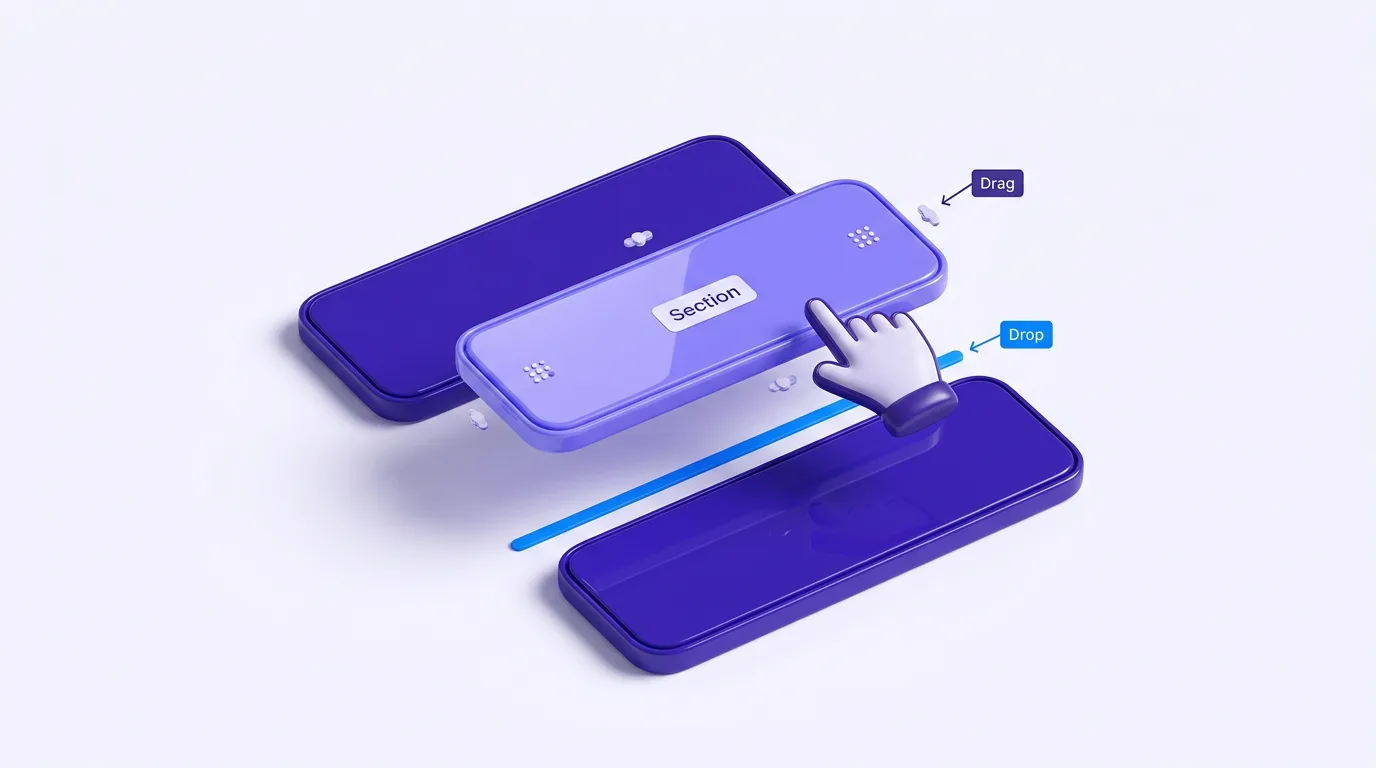
Drag, drop, done
Reorder sections and rearrange blocks with a drag. The Shopify landing page builder updates the live layout as you move things.

Add or remove anything
Pull in hero banners, testimonials, FAQs, comparison tables, and upsells from a 50+ block library, all without writing code.

Mobile + desktop controls
Separate breakpoint settings keep every page sharp on phones, tablets, and desktops.

Ship to Shopify in seconds
Hit publish and your changes deploy live to your storefront instantly. Preview them first if you like.

Editable AI pages
Start from a template or an AI-generated page, then edit everything in the same drag and drop editor.
How does the drag and drop editor work?
- 1
Open or generate a page
Start from a blank canvas, a PagePilot template, or an AI-generated product page. It loads straight into the visual editor.
- 2
Drag, drop, and edit
Reorder sections, add or remove blocks, and click any element to change its text, image, or style. Set mobile and desktop layouts separately.
- 3
Publish to Shopify
Preview, then hit publish. Your edited page deploys live to your Shopify storefront in seconds, with no code to write and no theme files to touch.
Revenue Generated
Shopify Merchants
AI Product Pages Created
AI Product Images Created
Why pick this Shopify page builder?
Most Shopify page builder apps make you fight templates or learn a clunky editor. PagePilot pairs a true drag and drop editor with AI, so you ship faster.
Drag and drop, not code
Reorder sections, add blocks, and edit text and images by clicking on the page. No Liquid, CSS, or theme files, unlike code-first tools.
AI builds the first draft
Generate a full Shopify landing page or product page in seconds, then drag, drop, and restyle it. Template-only builders leave you on a blank grid.
Publishes live in seconds
Preview and push edits straight to your storefront. No export step and no developer handoff to wait on before a page goes live.
Frequently asked questions
What is a drag and drop page builder for Shopify?
PagePilot's drag and drop page builder is a no-code visual editor for Shopify that lets you reorder sections, add or remove blocks, and edit text, images, and styles by clicking directly on the page. You build, restyle, and publish any Shopify page without touching Liquid, CSS, or HTML.
How does the no-code Shopify page builder work?
You open any page in the PagePilot visual editor, drag sections up or down to reorder them, click any element to edit its text, image, or style inline, then hit publish. Changes push live to your Shopify storefront instantly. There are no separate save-and-deploy steps and no code to write.
Do I need to know how to code to build Shopify pages?
No. The whole point of PagePilot is to build Shopify pages without code. Drag, drop, click, type, and publish. You never edit Liquid templates, CSS, or theme files. Designers, marketers, and store owners use it daily without any developer help.
Can I control how pages look on mobile and desktop?
Yes. PagePilot gives you separate responsive controls for desktop and mobile. You can adjust spacing, font sizes, column layouts, and visibility per breakpoint so every landing page, product page, and section looks right on phones, tablets, and desktops.
Does it work with templates and AI-generated pages?
Yes. You can start from a PagePilot template, from an AI-generated product page, or from a completely blank canvas. Everything the AI or a template produces is fully editable in the same drag and drop editor, so you keep total control over the final design.
How fast do my changes go live on Shopify?
Instantly. When you click publish in the PagePilot visual page editor, your edited sections and blocks deploy to your live Shopify storefront in seconds. You can also preview changes before publishing so nothing goes live before you are ready.
Is the drag and drop page builder free to try?
Yes. PagePilot offers a free trial with no credit card required, so you can build and edit Shopify pages with the drag and drop editor before you pay. Paid plans start at $39/month and give you the full visual builder, the sections library, and AI page generation.
What is a Shopify page builder?
A Shopify page builder is an app that lets you design and edit Shopify pages visually instead of coding Liquid templates. PagePilot is a drag and drop Shopify page builder: you reorder sections, add or remove blocks, edit text and images inline, and publish landing pages, product pages, and home pages to your store without touching theme files.
What is the best Shopify page builder?
The best Shopify page builder depends on your workflow, but stores that want speed pick PagePilot because it pairs a true drag and drop editor with AI page generation. You can generate a full page in seconds, then drag, drop, and restyle every section, so you ship high-converting Shopify pages faster than with code-heavy or template-only tools.
Is there a free Shopify page builder?
Yes. PagePilot is a free Shopify page builder to start with: the free trial needs no credit card, so you can build and publish pages with the drag and drop editor before upgrading. Paid plans start at $39/month and add the full sections library, AI page generation, and advanced responsive controls.
Explore more PagePilot tools
Shopify Sections & Blocks
A library of editable sections and blocks for any Shopify page.
Product Page Templates
High-converting product page templates you can drag, drop, and customize.
Editable Cart Drawer
Build a custom cart drawer with upsells. Fully editable, no code.
AI Product Pages
Generate AI product pages for Shopify and edit them in the visual builder.
Want a head start? Spin up a free AI Shopify store and edit every page in the drag and drop builder. Studying a store you admire? See which theme and apps it runs with the free Shopify store analyzer, then build your own version here.
Ready to build Shopify pages without code?
Drag, drop, edit, and publish to Shopify in minutes with PagePilot's no-code visual page editor. Start free. No credit card required.
Start Free Trial