Try PagePilot.ai 100% FREE! No credit card required.

 Shopify to Shopify
The Shopify Product Importer That Rebuilds Pages as Your Own
Paste a product link from another Shopify store and PagePilot imports the images and content, then regenerates the copy and design in your brand. You get a unique, branded product page in about 10 seconds, no manual rebuild and no theme files to wrangle.
Free trial available. No credit card required.
What is a Shopify product importer?
A Shopify product importer takes a product link from another Shopify store and rebuilds it as a page on your own store. PagePilot imports the product images and listing content, then regenerates the copy and design in your brand, so the result is unique and yours. It is built to import products from one Shopify store to another and model winning stores without copying their pages word for word.
Why model another Shopify store?
Winning Shopify stores have already tested the angle, the offer, and the page structure that sells a product. Rebuilding their page as your own is faster than guessing from scratch, and it keeps your version original.
New copy, your brand
A manual clone copies the exact text and layout, which creates duplicate content and trademark risk. PagePilot rewrites the descriptions and restructures the sections, so the page reads as yours.
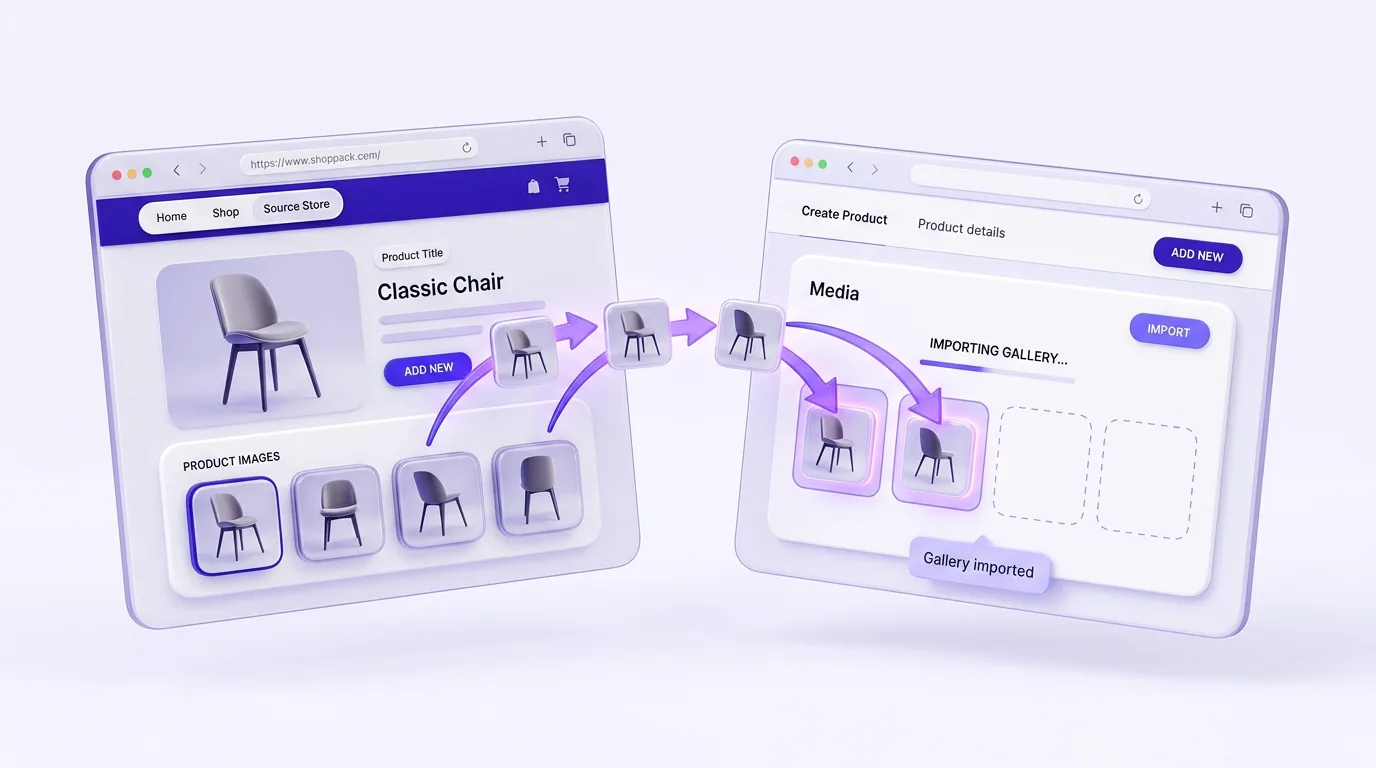
The gallery comes across
PagePilot imports every product image and gallery shot from the source Shopify listing and places them into your page. No screenshotting, no re-uploading one file at a time.
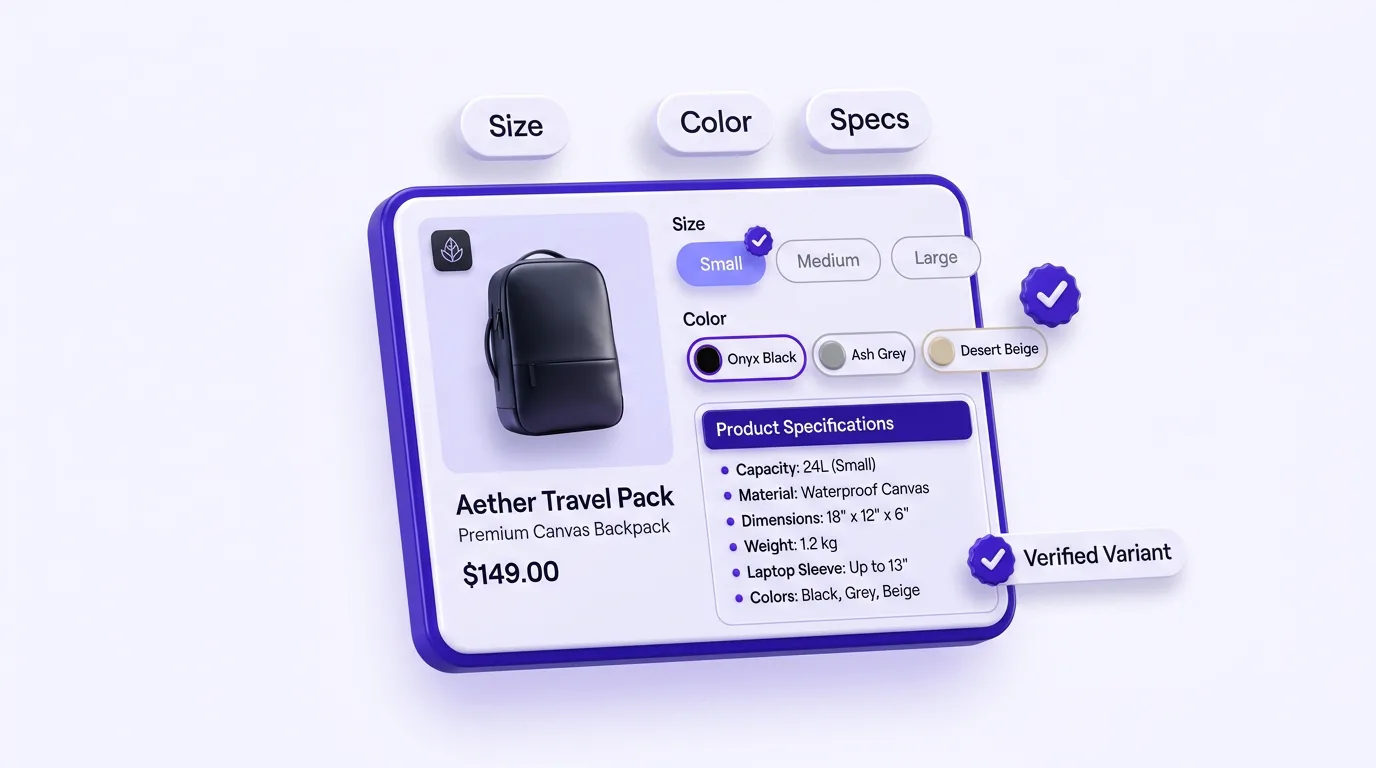
Variants and specs intact
Size, color, and bundle options come across with the product, along with the key specs from the original Shopify page.
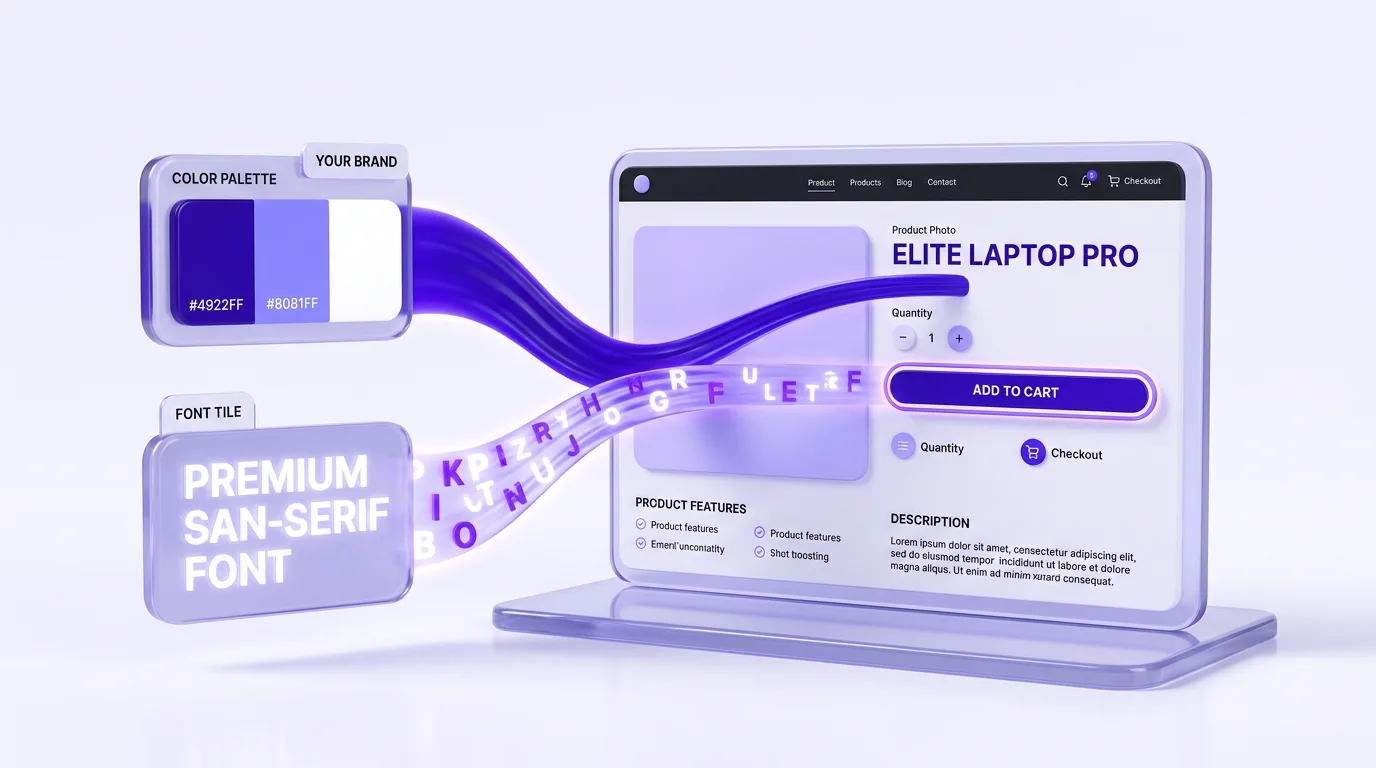
Matched to your store
Your store colors, fonts, and button styles get applied to the rebuilt page, so a product modeled on a competitor still looks unmistakably like your brand.

About 10 seconds
The whole page is rebuilt in about 10 seconds, and merchants publish to Shopify in under 60 seconds. Power users rebuild 10+ pages a day this way.
What PagePilot pulls from the source store
- ✓Every product image and gallery shot from the source listing
- ✓Title, price, and variant options (size, color, bundle)
- ✓Product specs and key details from the original page
- ✓A fresh layout with hero, gallery, benefits, and FAQ sections
- ✓New AI descriptions and sales copy written in your brand voice
- ✓Your store colors, fonts, and button styles applied to the page
How to import a product from another Shopify store
Three steps take you from a competitor product link to a published page on your own Shopify store.
- 01
Paste the Shopify product link
Copy the product URL from any public Shopify store, a competitor or a winning store you want to model, and drop it into PagePilot. The AI pulls the images, price, variants, and details.
- 02
PagePilot rebuilds it as yours
In about 10 seconds the AI writes new descriptions, lays out the sections, and applies your branding. The page reads as your own, not a copy of the original listing.
- 03
Edit and publish to your store
Tune anything in the drag and drop editor, then publish the branded product page to your Shopify store in under a minute.
Rebuilt by AI, then yours to refine
The import gets you to a finished page fast. From there, every element opens in PagePilot's drag and drop editor. Rearrange sections, swap product images, rewrite the copy, and adjust styling without touching theme code. You decide how far the page should move from the store you modeled.
- ✓Drag and reorder any section the AI built
- ✓Regenerate copy or product images with one click
- ✓Preview on desktop and mobile before you publish
Importer vs CSV import vs migration app
Most ways to import products to Shopify hand you raw data or a copy of the original listing. PagePilot rebuilds the page in your brand instead, so you skip the spreadsheet work and the duplicate content.
PagePilot importer
- Setup
- Paste a product link
- Product copy
- New AI copy in your brand
- Branding
- Your colors and fonts applied
- Time per page
- About 10 seconds
CSV import
- Setup
- Export, edit, and map a CSV file
- Product copy
- Same source text, duplicate content
- Branding
- None, raw data only
- Time per page
- An hour or more per batch
Migration app
- Setup
- Connect both stores and configure
- Product copy
- Copied as-is from the source
- Branding
- Carried over, not rebuilt
- Time per page
- Minutes to hours, plus cleanup
Works with the rest of PagePilot
Shopify to Shopify importing runs on the same engine as AI product page generation. Start with the pillar guide on AI product pages to see how it all fits together.
AI Product Page Generation
The paste-any-link engine behind PagePilot. Turn a product URL into a full Shopify page in seconds.
AI Product Pages
The complete guide to AI product pages for Shopify, from layout to conversion.
Shopify Product Page Templates
Conversion-tested templates to start from or layer onto an imported page.
Daily Winning Products
A fresh feed of winning products to research, then rebuild the best pages as your own.
Shopify product importer FAQ
What is a Shopify product importer?
A Shopify product importer is a tool that pulls a product from one Shopify store into another. PagePilot is a Shopify product importer that reads the product images, title, price, variants, and details from any public Shopify product link, then rebuilds the page in your own theme and brand voice with new sales copy in about 10 seconds. You are not copying their HTML or theme files, you are recreating the product as an original page on your store.
How do I import products from one Shopify store to another?
Paste the product URL from any public Shopify storefront into PagePilot. The AI imports the product images, title, price, variants, and listing details, then rebuilds the page in your own theme and brand voice. PagePilot generates a fresh, original product page from the source data in about 10 seconds, and you publish it to your store with one click.
Can I transfer products from one Shopify store to another?
Yes. PagePilot transfers the product images and content from any public Shopify product link and recreates it as a native page in your store. The gallery, variants, and key specs come across automatically, and the AI writes new descriptions and sales copy so the page reads as yours, not a copy of the original listing.
How is this different from cloning a Shopify store?
A straight clone copies the exact text and layout of a Shopify store, which creates duplicate content and trademark risk. PagePilot rebuilds the page instead: it regenerates the copy, swaps in your branding, and restructures the sections, so you can model a winning Shopify store without copying it word for word.
Will the imported page have duplicate content from the original store?
No. PagePilot writes original product descriptions and sales copy for every page instead of reusing the source text, so your imported page avoids duplicate content penalties and reads in your own brand voice. You can generate the copy in 30+ languages if you sell in other markets.
Does it work with any Shopify store, including competitors?
It works with any public Shopify storefront, including competitor and winning stores you want to model. PagePilot reads the product data from the live page. If a store has hidden or password-protected its catalog, the AI cannot reach those product pages.
Can I edit the page after PagePilot rebuilds it?
Yes. Every rebuilt page opens in PagePilot's drag and drop editor. You can reorder sections, swap product images, rewrite copy, and adjust colors and fonts before publishing to Shopify, all without touching theme code.
Can I duplicate a Shopify store with PagePilot?
You can rebuild the product pages of a Shopify store one link at a time, which is how most merchants duplicate a winning store as their own. Paste each product URL and PagePilot recreates the page in your brand. It does not copy the original theme, checkout, or apps, it rebuilds the product pages with fresh copy so your version stays original.
Do I need a CSV file or an app to import Shopify products?
No. Unlike a CSV import or a bulk migration app, PagePilot only needs the public product link. There is no CSV template to fill in and no theme files to move. The importer reads the live page and rebuilds it, so you skip the spreadsheet work and get a finished, branded product page instead of a raw data import.
Is the Shopify product importer free to try?
You can start importing and rebuilding Shopify product pages on a free trial with no credit card required. Paid plans start at $39/month for unlimited publishing and the full set of AI features.
Ready to rebuild a winning Shopify page as yours?
Paste a product link from another Shopify store and let PagePilot import the images and content, then regenerate the page in your brand in about 10 seconds. Free trial, no credit card required.
Start Free Trial