Try PagePilot.ai 100% FREE! No credit card required.

Shopify sections and blocks that convert
Drag PagePilot's library of high-converting Shopify sections and blocks onto any product or landing page. It is the no-code Shopify page builder for reviews, bundles, FAQ, trust badges and more, all fully editable without code.
Free trial available. No credit card required.
What are Shopify sections and blocks?
PagePilot's Shopify sections and blocks are modular, pre-built page elements (heroes, reviews, bundles, FAQs, trust badges and more) that you drag onto any product or landing page and edit visually. A section is a full-width band; a block is a smaller element inside it. No code and no theme files, just higher-converting pages.
A Shopify section library built to sell
Browse 11+ conversion blocks you can add to your Shopify product page in seconds. Each preview is a real, editable PagePilot section.
Which custom Shopify blocks are included?
Every block is drag-to-add, reorderable and fully editable. Mix and match them to build the right product page.
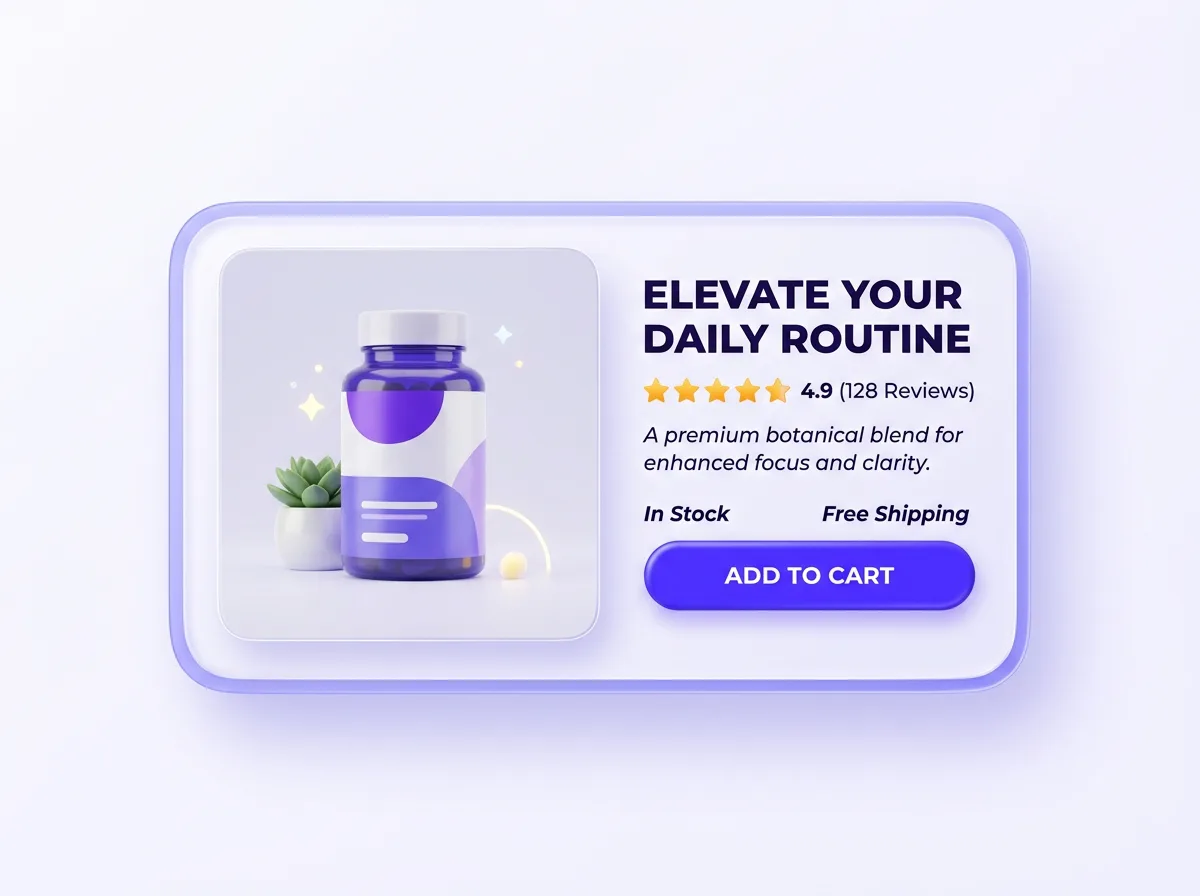
- Hero sectionsHigh-impact above-the-fold blocks with headline, hero image and a prominent add-to-cart button.
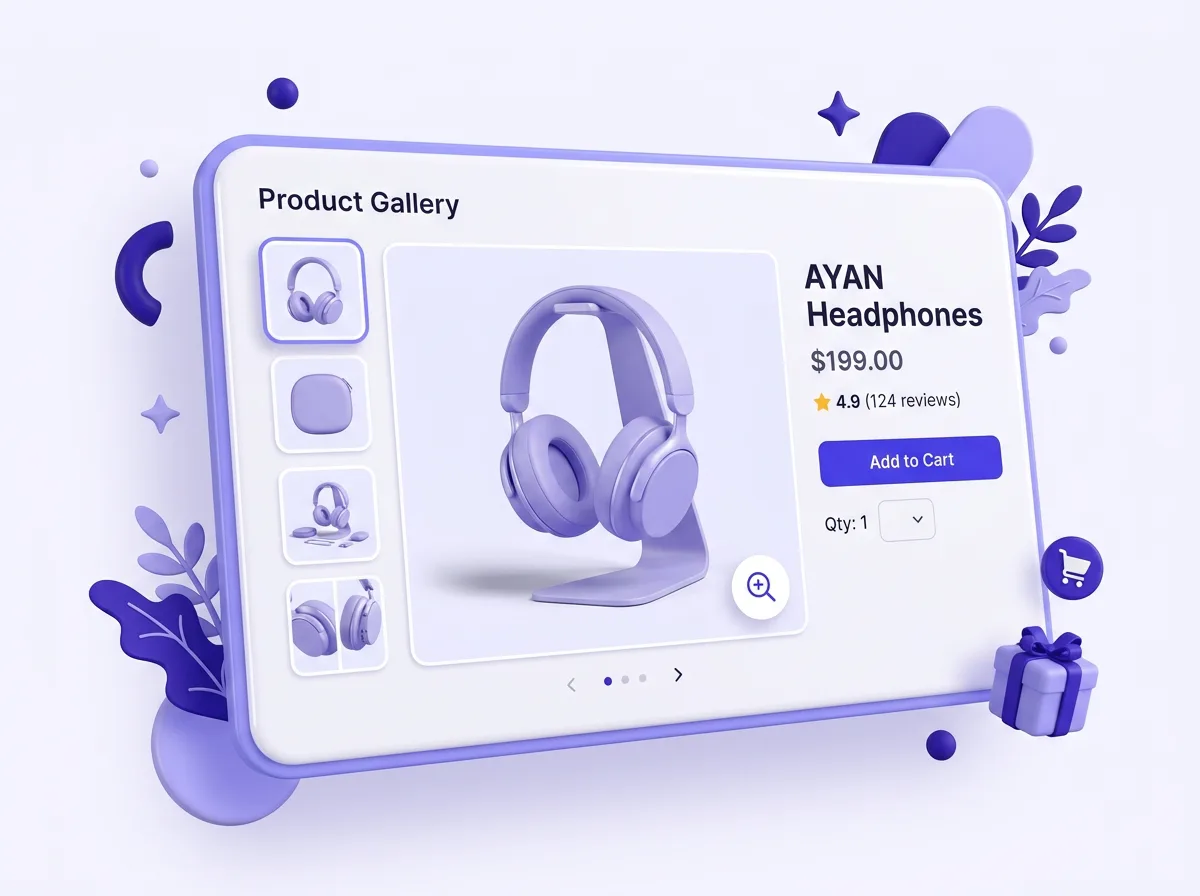
- Product galleryZoomable, swipeable image galleries with thumbnails and variant-aware previews.
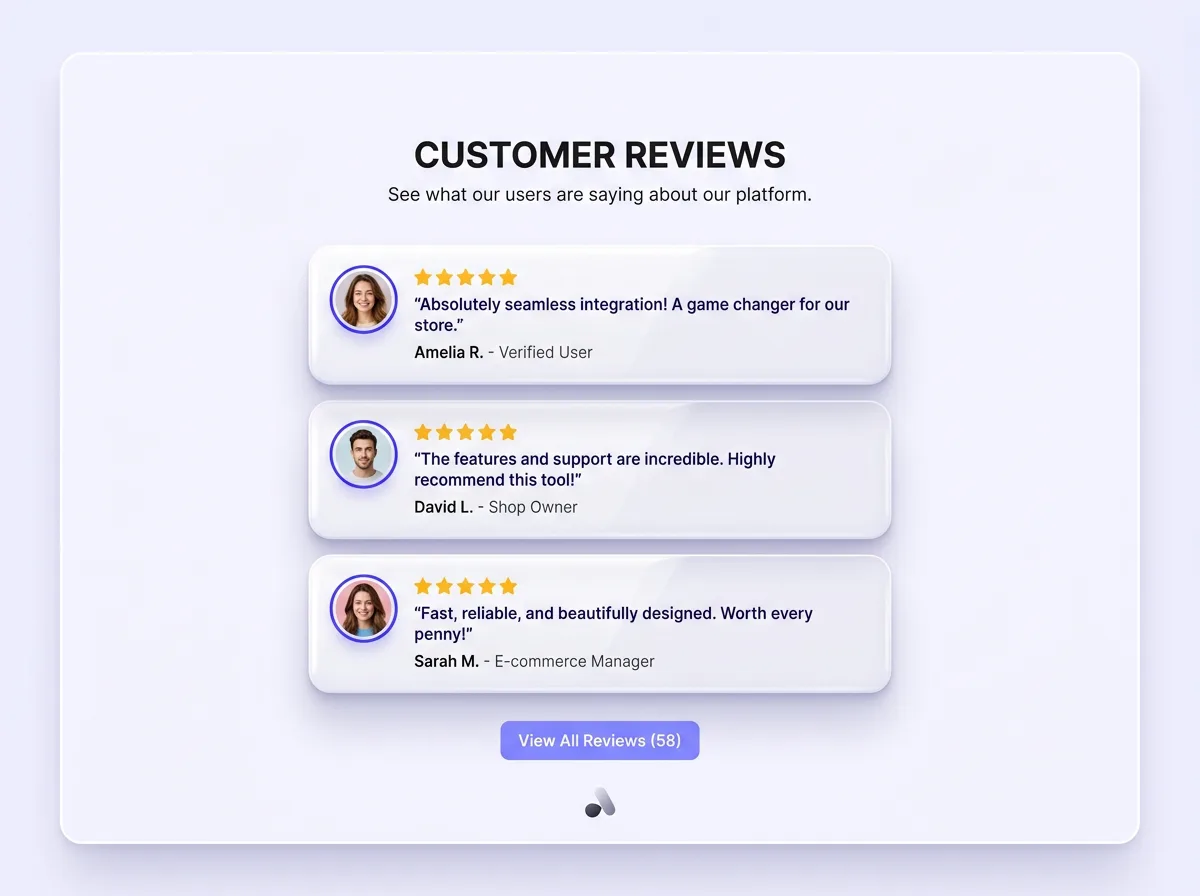
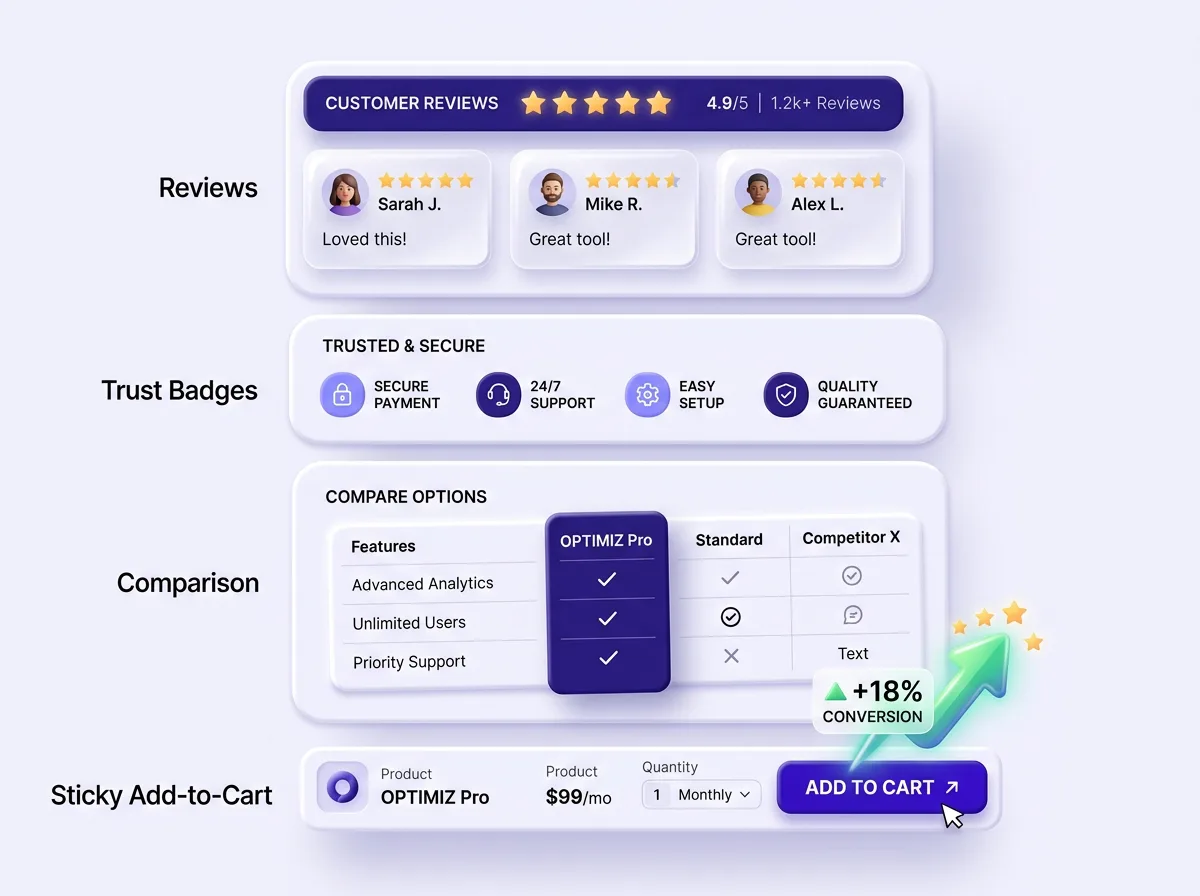
- Reviews & testimonialsStar-rated review walls and customer quotes that build social proof shoppers trust.
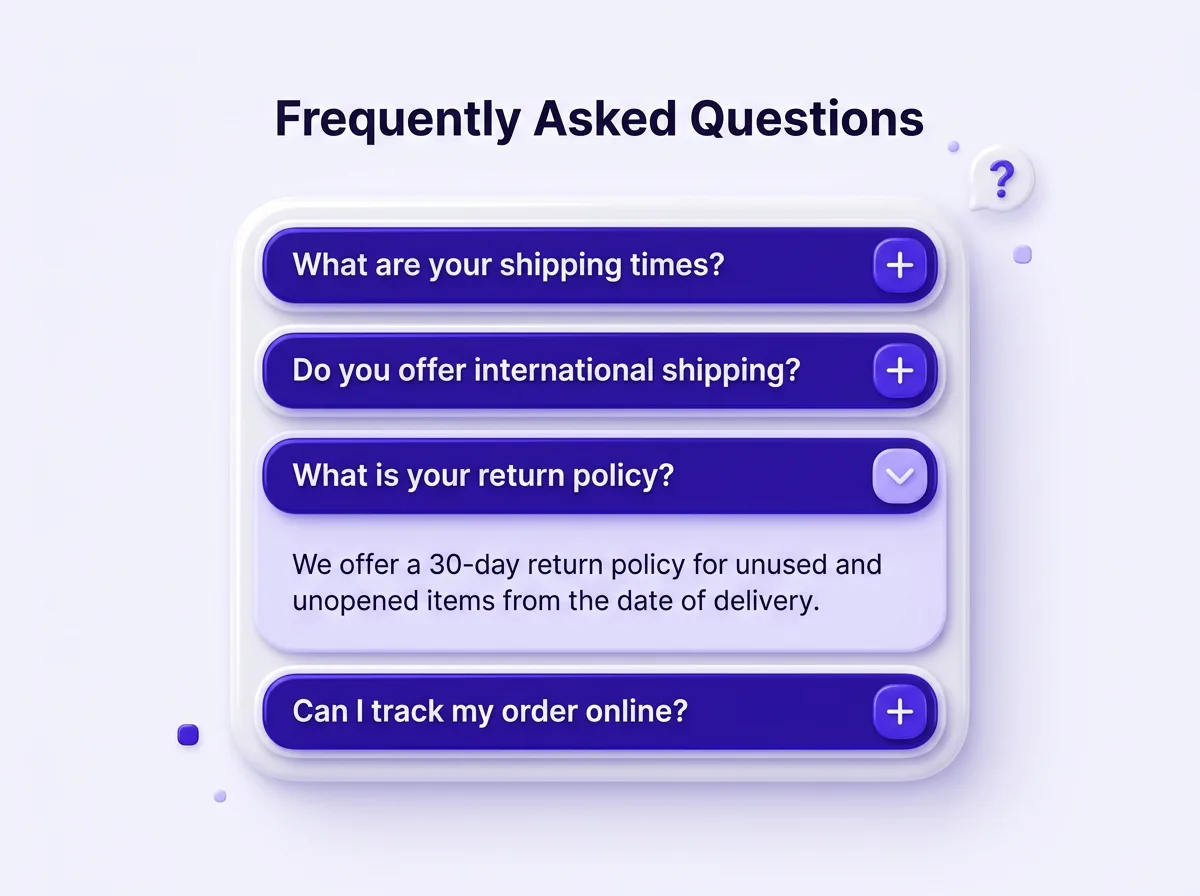
- FAQ accordionExpandable question blocks that answer objections inline and feed rich results.
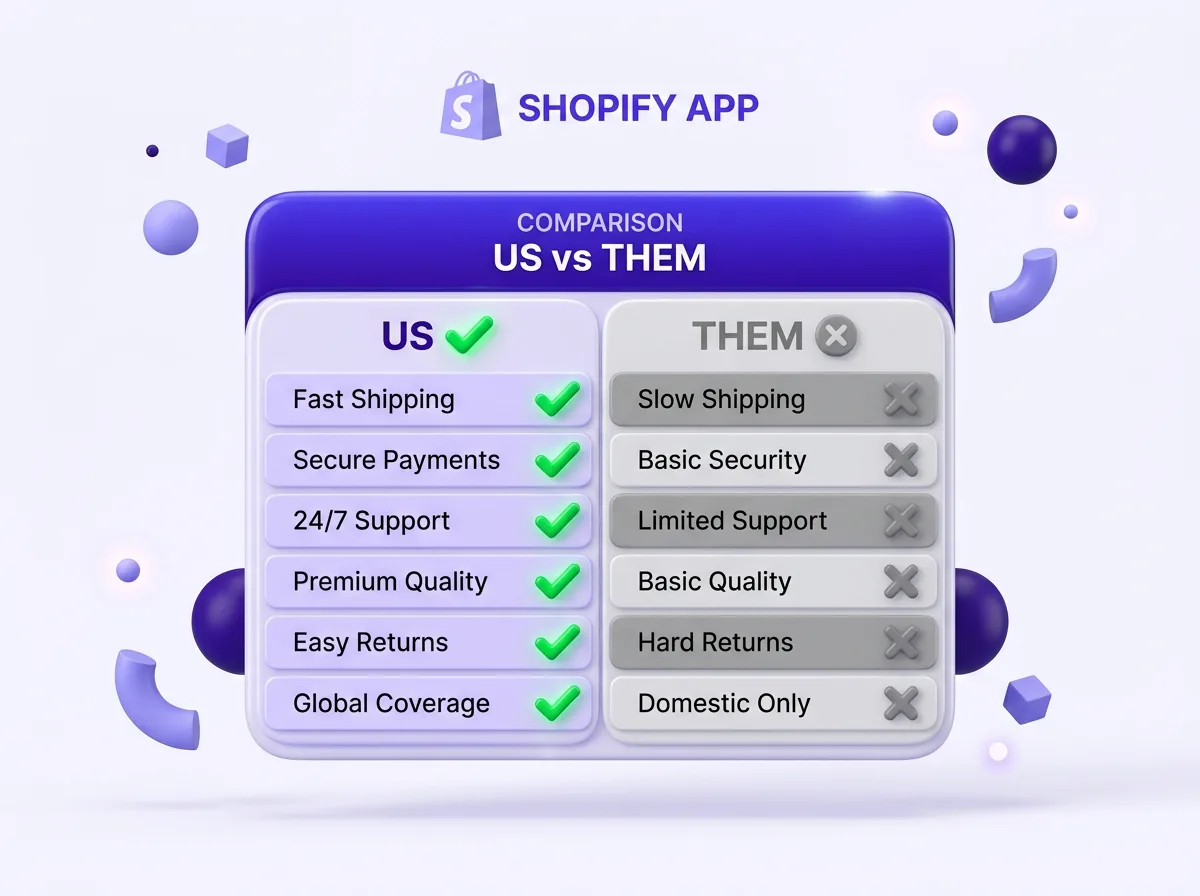
- Comparison tableSide-by-side tables that position your product against alternatives.
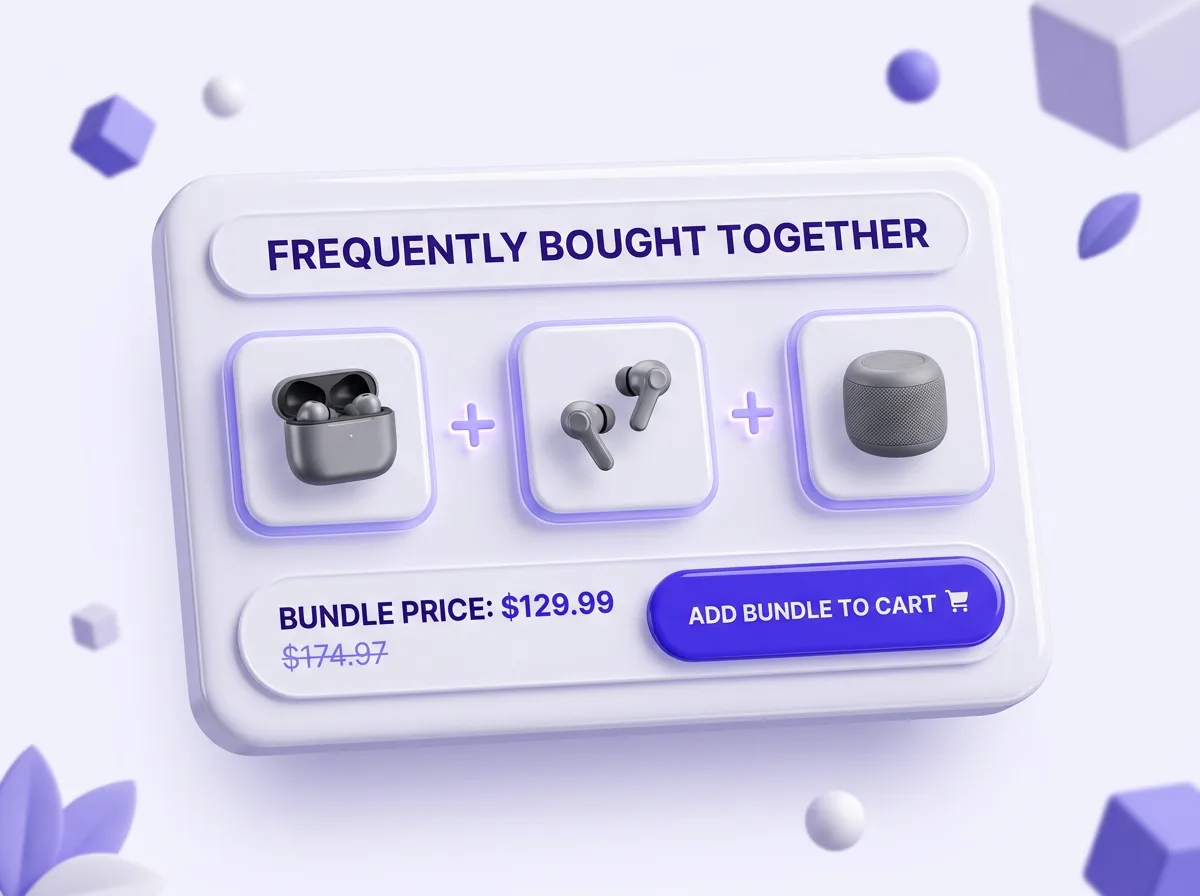
- Bundle & upsellFrequently-bought-together and tiered bundles that lift average order value.
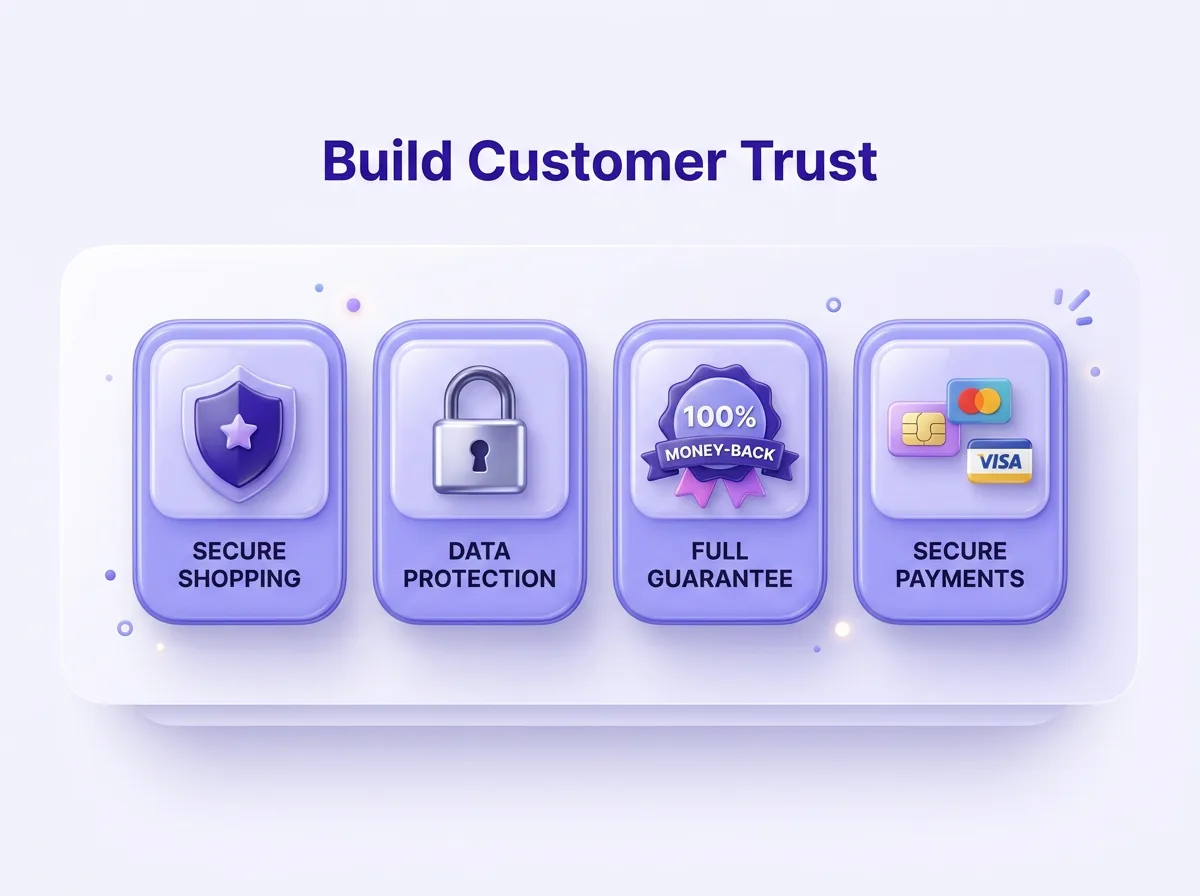
- Trust badgesPayment, shipping and security badges that reduce checkout hesitation.
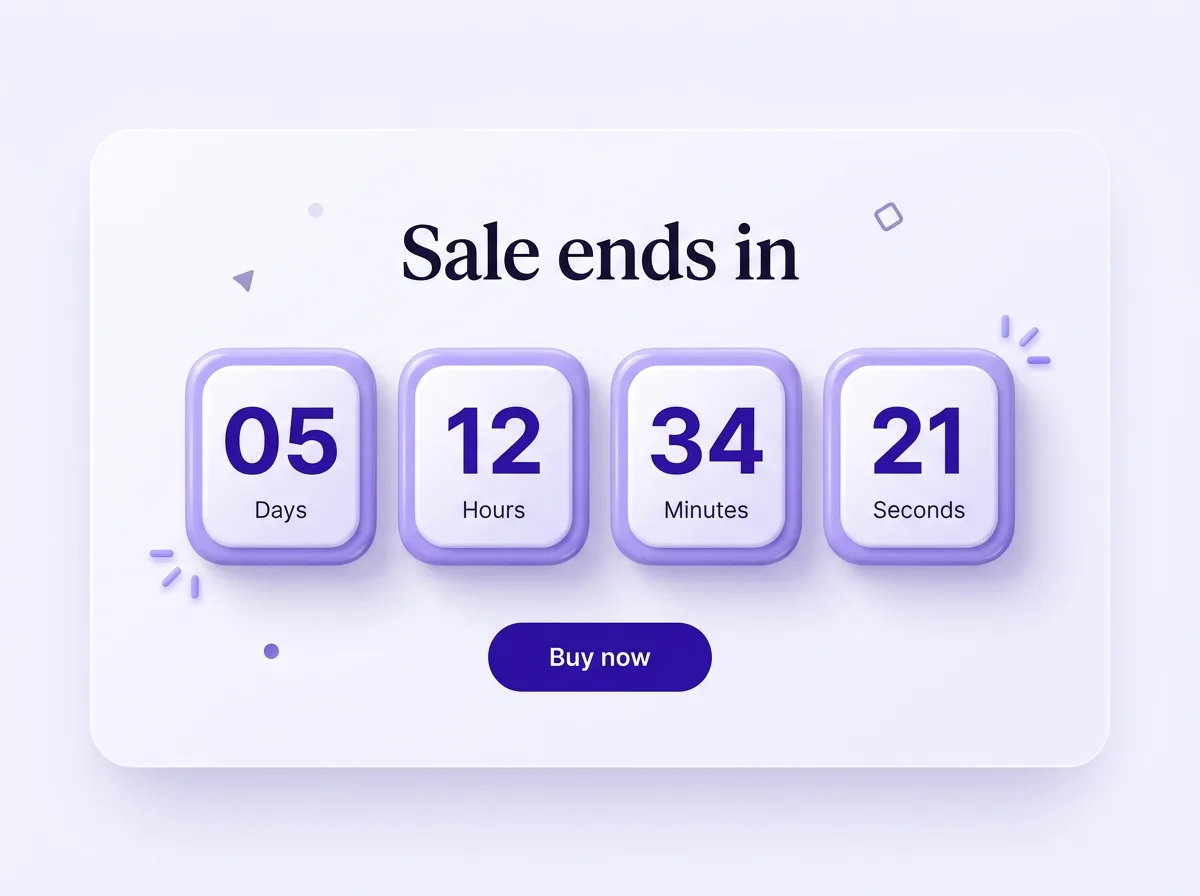
- Countdown timerReal urgency blocks for launches, flash sales and limited-stock offers.
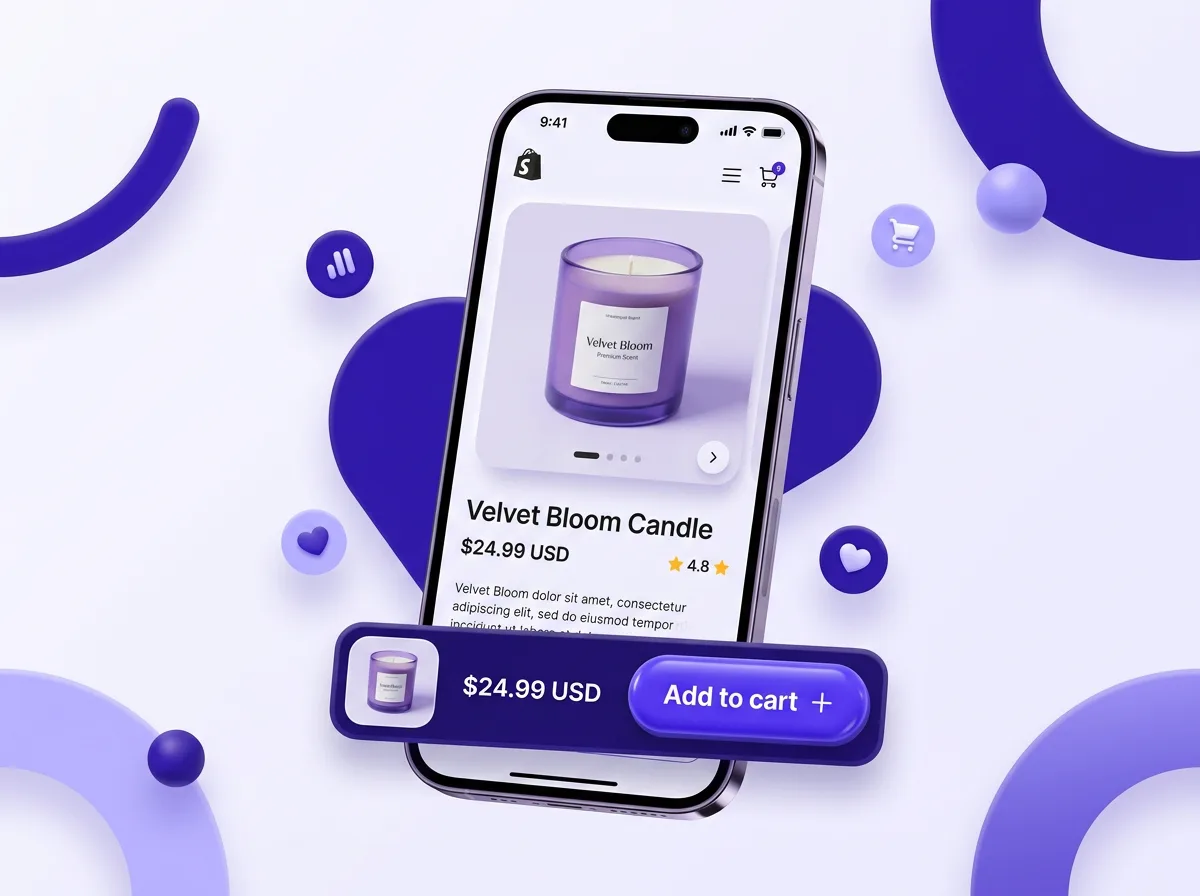
- Sticky add-to-cartA persistent buy bar that follows mobile shoppers as they scroll.
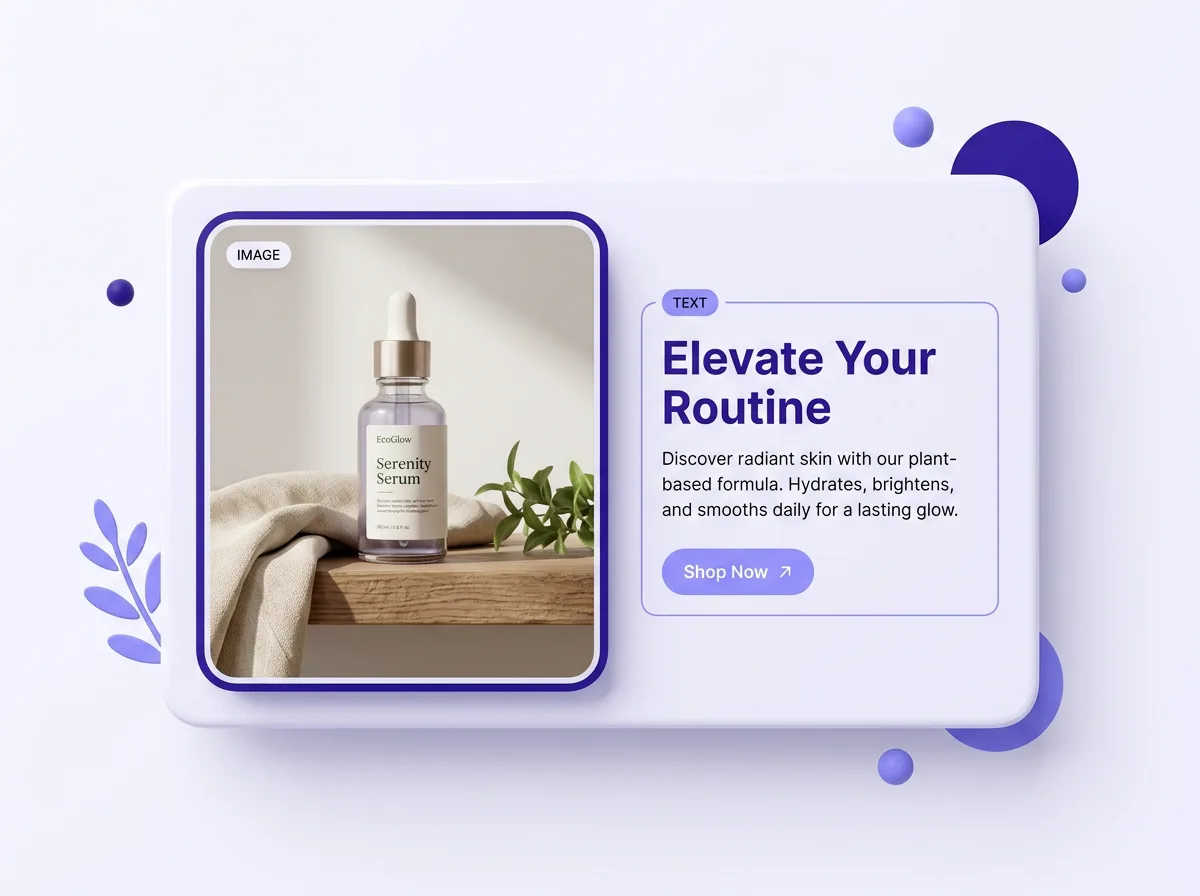
- Image-with-textStory-driven rows that pair lifestyle imagery with benefit copy.
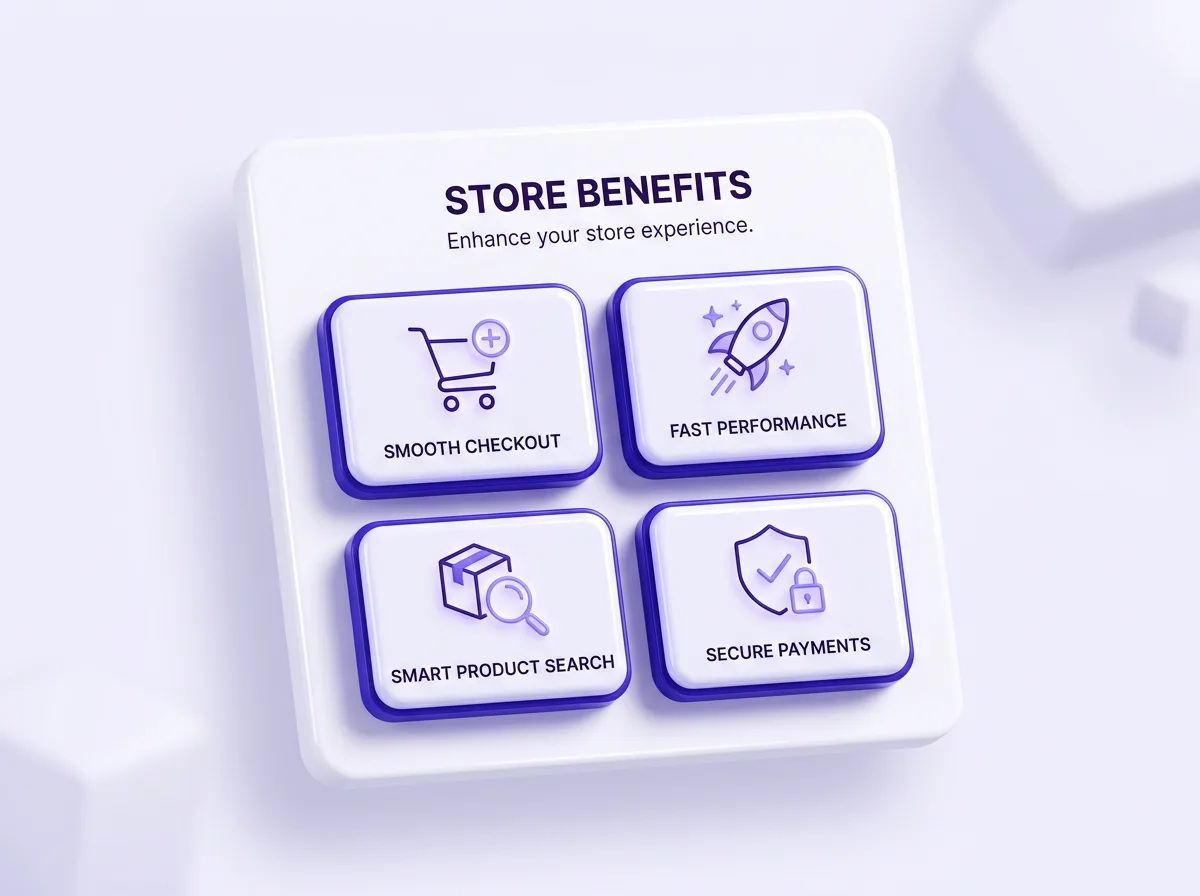
- Feature highlightsIcon-led grids that lay out your key benefits so shoppers grasp them fast.
- GuaranteesMoney-back and warranty blocks that de-risk the first purchase.
How does adding sections work?
Go from blank page to a fully built, conversion-ready Shopify product page in three steps.
- 1
Pick a section
Open the PagePilot editor, click Add Section and choose from 11+ high-converting blocks.
- 2
Drag & reorder
Drop sections exactly where you want them and drag to reorder the whole page in seconds.
- 3
Edit & publish
Tune text, images and per-block settings, then publish straight to your live Shopify store.
Why use PagePilot sections?
Conversion blocks built on patterns used across +400K Shopify merchants and +$200M in revenue generated.
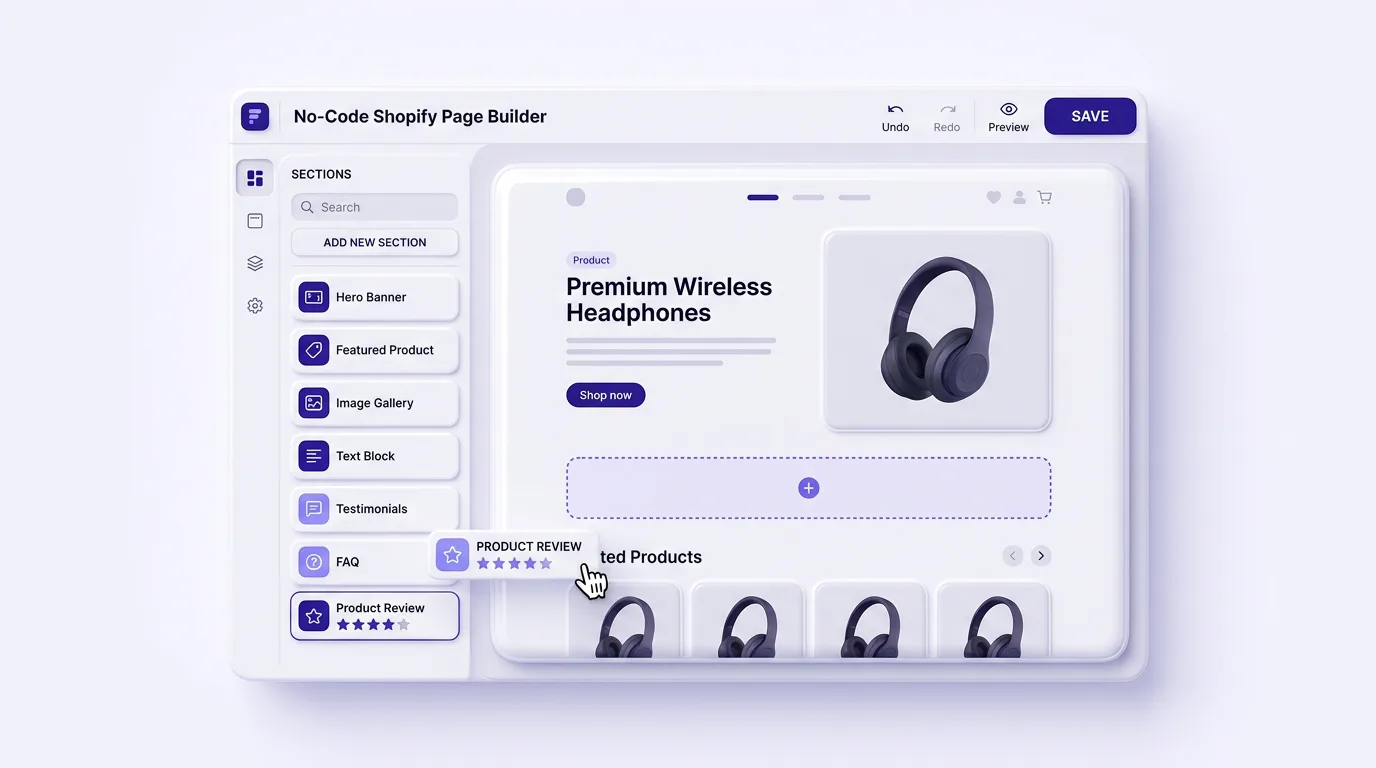
Drag, drop, done
Add and rearrange Shopify sections visually. No Liquid, no theme files and no developer needed.
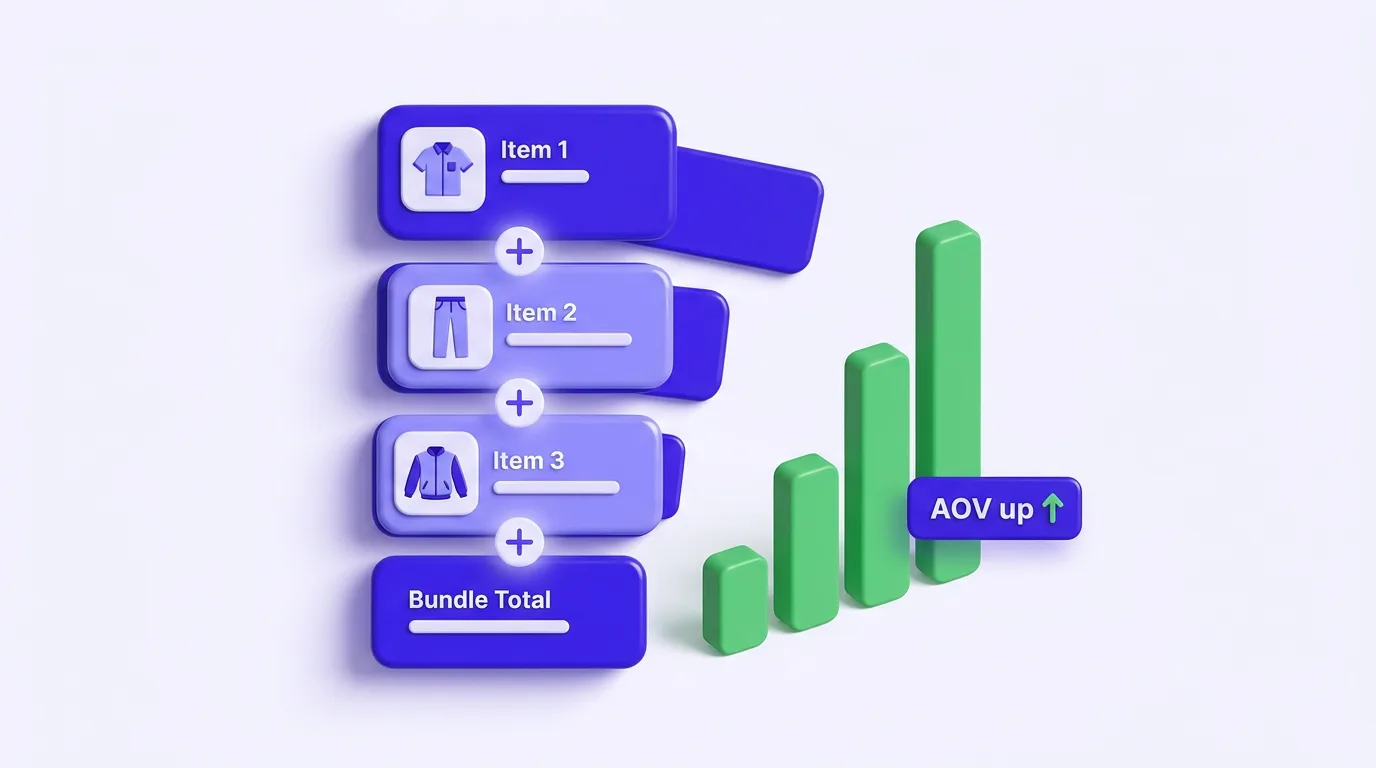
Built-in upsells & bundles
Bundle, upsell and trust blocks designed to lift average order value on every product page.
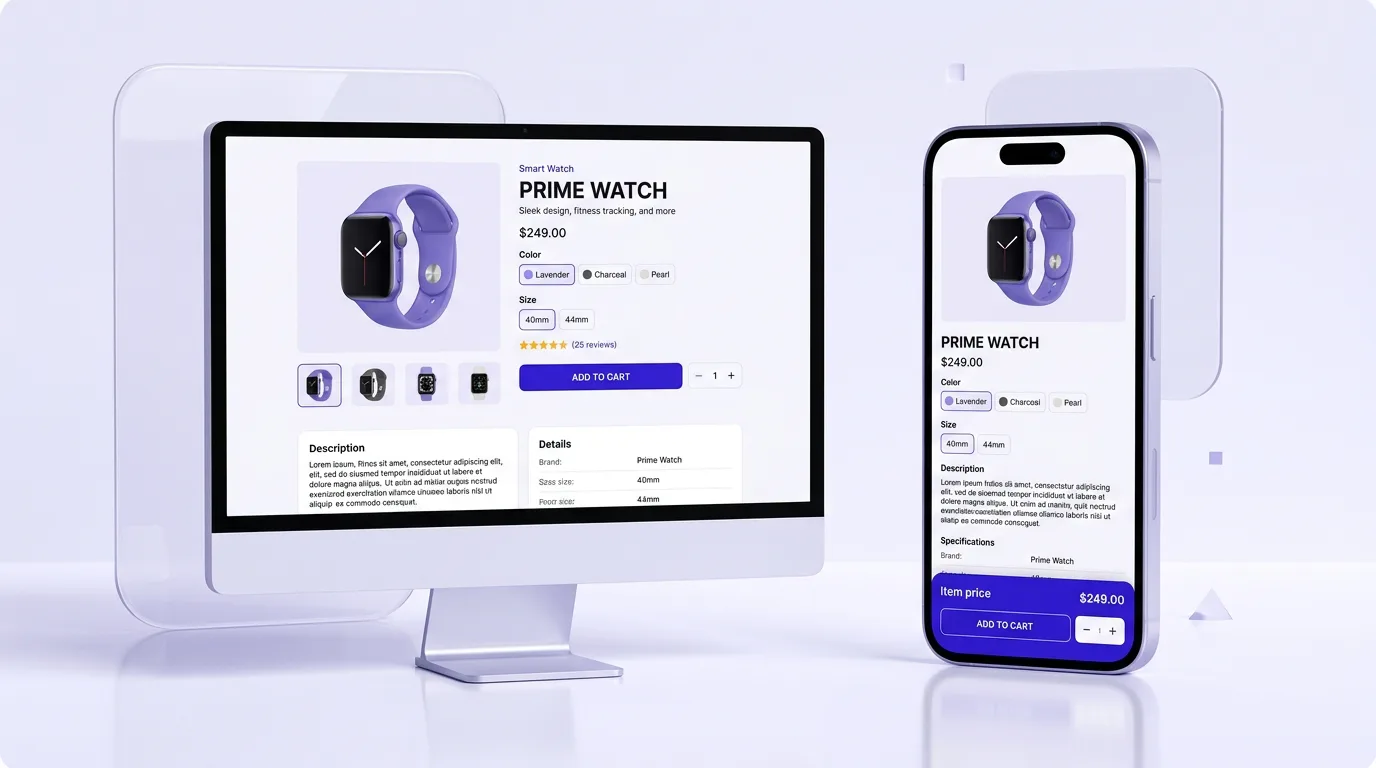
Mobile-perfect blocks
Every section is responsive by default with per-device settings for spacing, order and visibility.
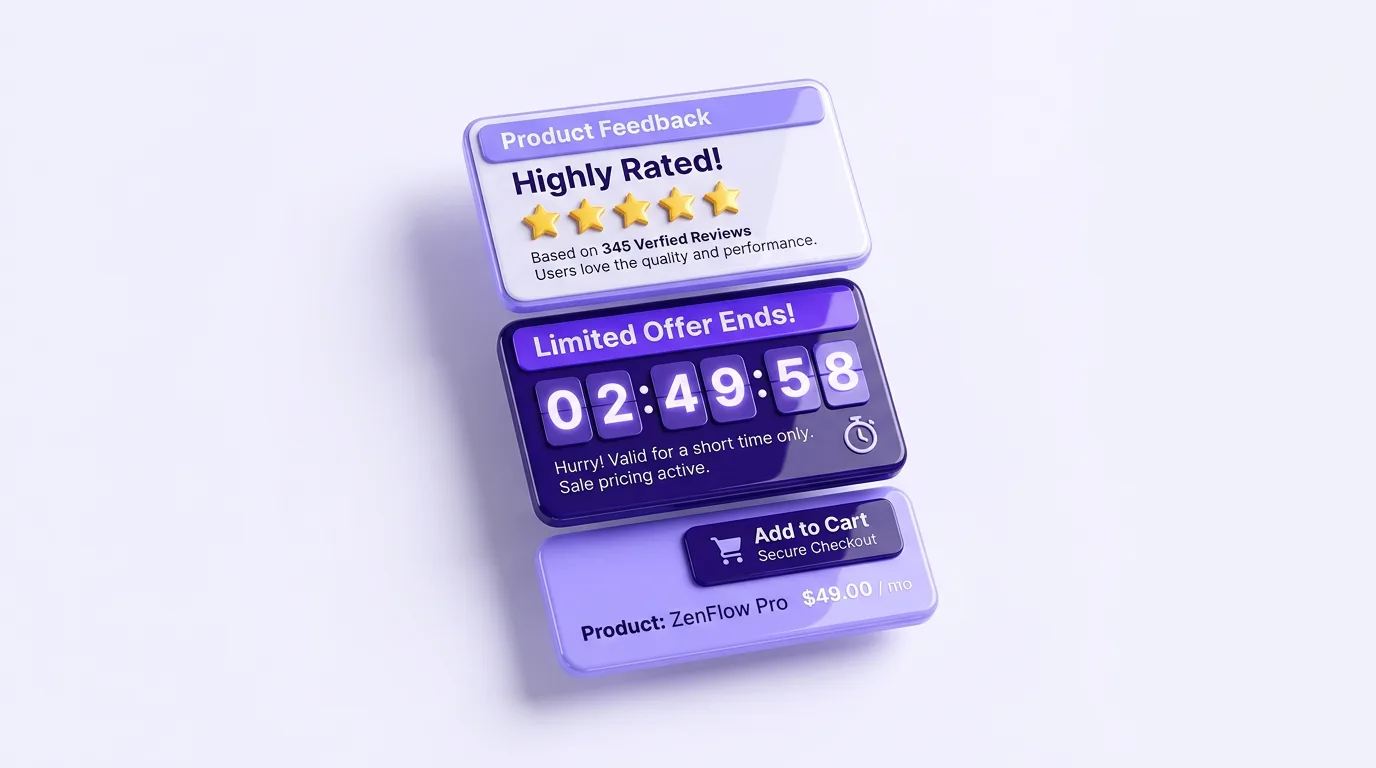
Proven section patterns
Reviews, FAQ, countdown timers and sticky add-to-cart: the blocks high-converting stores rely on.
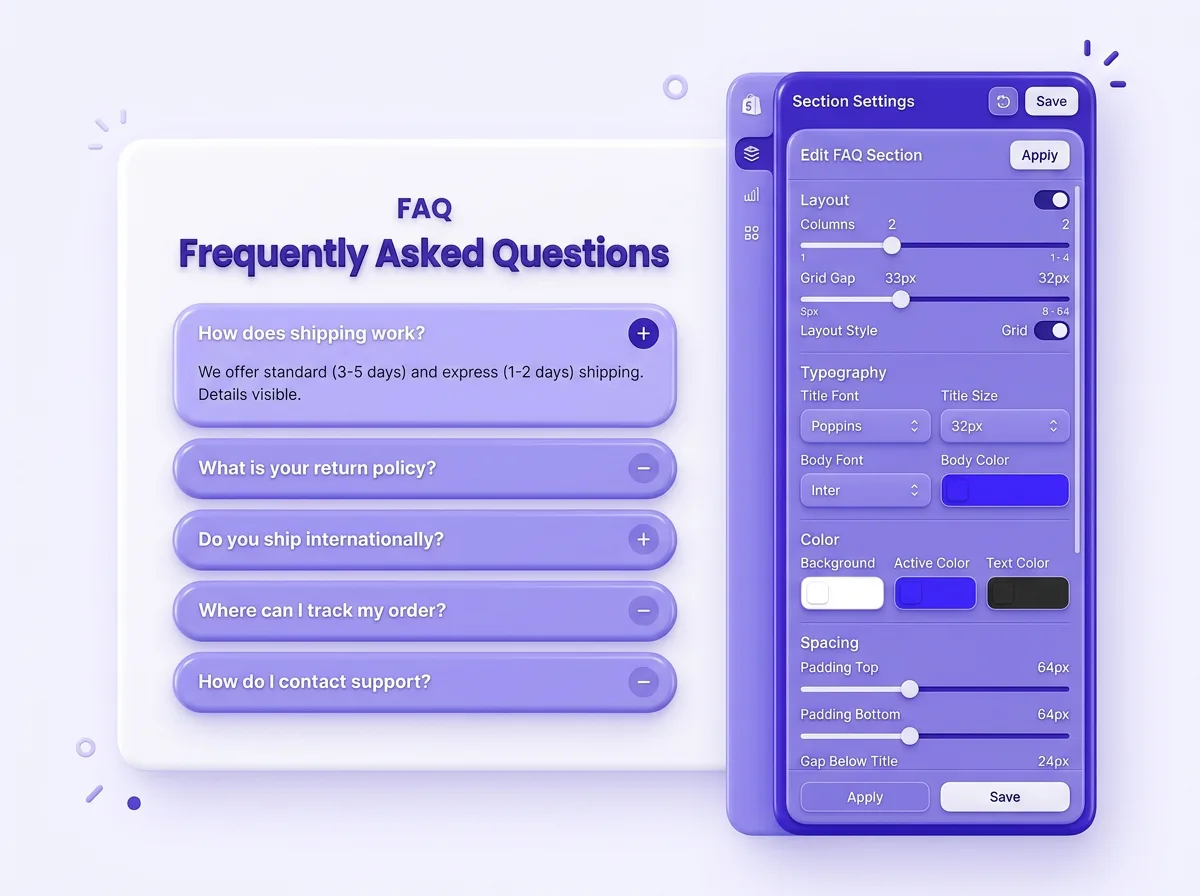
Per-block settings for total control
Open any block to control layout, typography, colors, padding and visibility. Each Shopify section has its own controls, so you tune one without breaking the rest of the page.
- • Inline text, image and color editing
- • Duplicate, hide or delete any block
- • Mobile-specific spacing and order
- • Reorder the full page by drag
More sections, higher conversion rates
The right blocks answer objections before they happen. Stacking reviews, guarantees, comparison tables and a sticky add-to-cart turns browsers into buyers and lifts revenue per visit.
- • Reviews & trust badges for social proof
- • Countdown timers for real urgency
- • Bundles & upsells for higher AOV
- • Sticky add-to-cart for mobile shoppers
PagePilot vs other Shopify page builders
A no-code Shopify page builder with conversion sections built in, no theme edits and no 25-section limit to work around.
Explore more PagePilot tools
Frequently asked questions
What are Shopify sections and blocks?
Shopify sections and blocks are modular content elements you add to a product or landing page. A section is a full-width band (like a hero or FAQ) and a block is a smaller element inside it (like a button or badge). With PagePilot you drag pre-built, high-converting sections onto any page and edit them visually, with no code or theme files to touch.
How do I add sections to a Shopify product page?
In the PagePilot editor you open any product or landing page, click Add Section, pick from the library of 11+ conversion blocks, and drag it exactly where you want it. Every section is editable inline and saves straight to your live Shopify store in a few clicks.
Do I need to write code to use PagePilot sections?
No. PagePilot is fully no-code. You drag sections in, reorder them, and change text, images, colors and spacing visually. There are no Liquid templates, snippets or theme edits to touch, so anyone on your team can build pages.
Are the Shopify sections mobile responsive?
Yes. Every section and block in the PagePilot library is responsive by default, and you can adjust mobile-specific settings to hide elements, change their order, or change spacing so your product page looks right on every screen.
Can I reorder and customize each block?
Absolutely. You can drag to reorder any section, duplicate blocks, and open per-block settings to control layout, typography, colors, padding and visibility. Each block has its own controls so you can tune it without affecting the rest of the page.
Will custom Shopify blocks improve my conversion rate?
They are designed to. PagePilot sections like reviews, bundles, trust badges, countdown timers and sticky add-to-cart are proven conversion patterns used across +400K Shopify merchants. Adding the right blocks reduces objections and lifts both conversion rate and average order value.
Does the Shopify section library work with my theme?
Yes. PagePilot pages render independently of your theme, so the section library works on any Shopify store regardless of which theme you run. You keep full visual control without risking your existing theme files.
Is PagePilot a Shopify page builder?
Yes. PagePilot is a no-code Shopify page builder. Instead of editing Liquid or theme files, you assemble product and landing pages from a drag-and-drop library of Shopify sections and blocks, edit everything visually, and publish straight to your live store.
How do I add more than 25 sections to Shopify?
The 25-section limit is a constraint of the native Shopify theme editor. PagePilot builds pages outside that editor, so you can add as many sections and blocks as you need to a single product or landing page without hitting the 25-section cap.
Are there pre-built Shopify sections I can add for free?
Yes. PagePilot ships with a library of pre-built, ready-to-use Shopify sections, including hero, reviews, FAQ, comparison, bundle, trust badge and countdown blocks. You can add them on the free trial, edit the copy and images, and publish without writing any section code.
Ready to add high-converting sections?
Drag PagePilot's Shopify sections and blocks onto your product pages and start converting more visitors today, all without writing code.
Start Free Trial