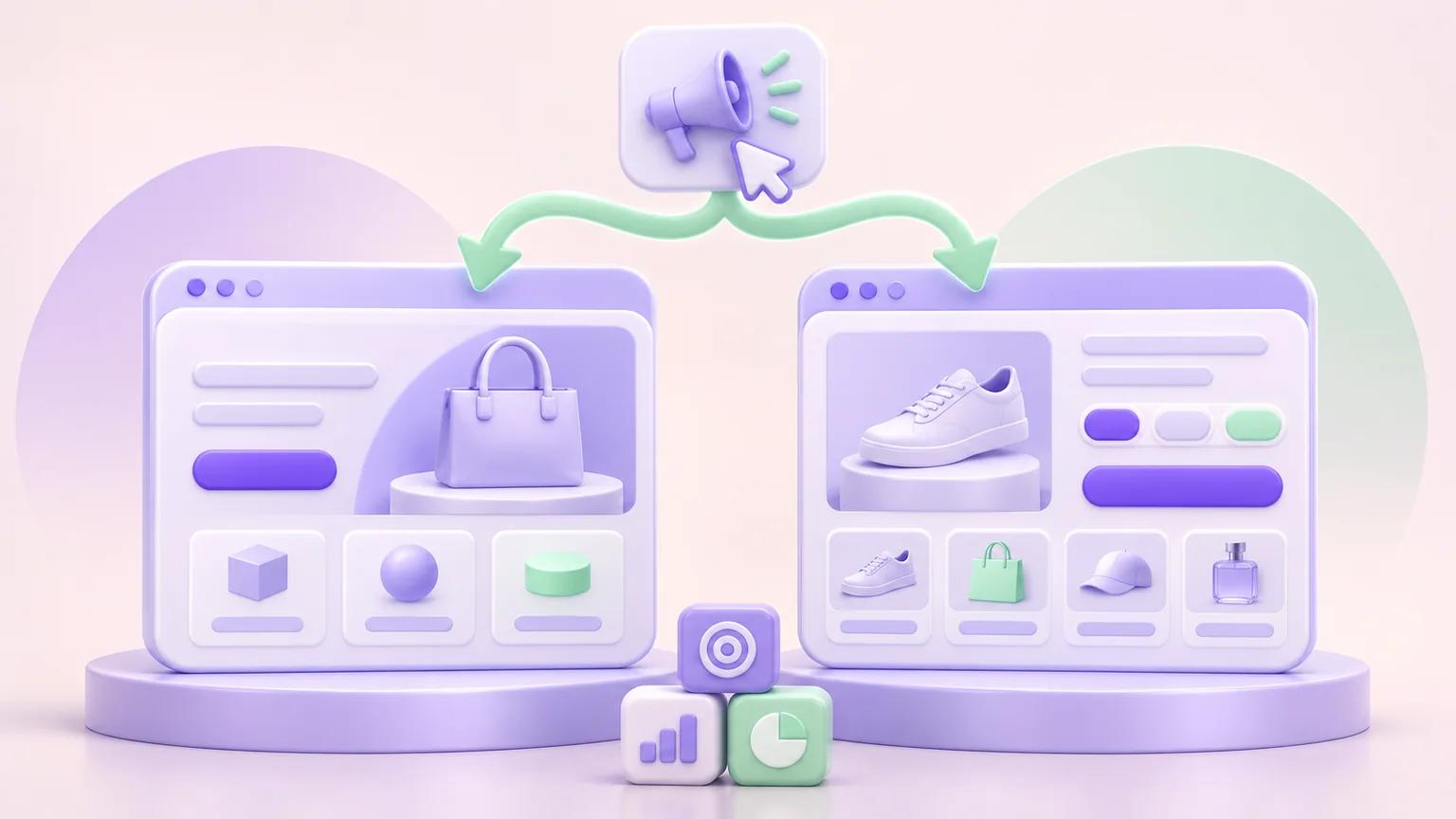

Send paid traffic to a Shopify product page when it matches your ad's promise and gives shoppers everything they need to buy. If you're promoting a special bundle or an offer that needs more explanation, a dedicated landing page may work better.
Here's something worth clearing up first: a product page can also be a landing page. When someone clicks an ad and arrives on your product page, that's their landing page. You don't necessarily need to build a separate one.
What the shopper expects to find after clicking your ad is key here.
Someone searching for a specific backpack may be ready to check its specifications and price. Someone clicking an ad for a limited-time travel bundle will expect to see that exact offer, not a generic product listing.
We'll look at when each approach makes sense, how to set up the destination in Shopify, and how to test which one performs better for your campaign.
Key Takeaways
- You don't always need a separate landing page. Your existing Shopify product page may already be the right destination for an ad.
- Match the page to the offer. A specific product ad can lead straight to its product page, while a bundle promotion may benefit from a dedicated campaign page.
- Don't assume cold traffic needs a longer page. Consider what customers already learned from the ad and what they still need to know before buying.
- Fix problems on your existing page first. If important product specifications are missing, improving the regular product page may be more useful than creating another one.
- Check how Shopify handles your new page. Creating an alternative product template doesn't automatically give you a separate URL for advertising or testing.
- Compare actual purchase results. Historical conversion rates alone won't tell you which destination works better when the audiences or offers differ.
What's the Difference Between a Shopify Landing Page and a Product Page?
A landing page is where someone first arrives on your store, while a product page shows a specific product and its buying options. The same page can serve both purposes.
For example, someone clicks an ad for the Transit 26 backpack and lands on its Shopify product page. That product page is also the landing page for their visit.
This follows how Google Ads defines landing pages and how Shopify tracks entry pages in its Sessions by landing page report.
A dedicated campaign page serves a more specific purpose. You might create one to explain an unfamiliar product, promote a limited-time offer, or help customers choose products included in a bundle.
That doesn't mean you need an entirely separate page for every campaign. Sometimes a different product-page layout can do the job.
Here's how the two approaches compare:
These aren't two completely different ways of selling. A product page can include detailed demonstrations and promotional content, while a campaign page can let customers buy directly.
You also don't need to remove navigation or add paragraphs of sales copy just because you're building a dedicated landing page.
Choose the layout that helps customers understand the offer and complete their purchase with the least unnecessary friction.
Should Paid Ads Link to a Landing Page or a Product Page?
Send shoppers to the page that best matches what your ad offers. Whether they're coming from Google, Facebook, or TikTok is less important than what they expect to find after clicking.
Someone searching for a specific backpack model may want to check its specifications and buy it. A product page is a sensible destination.
But if your ad promotes a special bundle, sending shoppers to a page that only shows one of the products could leave them confused.
Here's where different types of campaigns might lead:
Before choosing a destination, look at the ad itself.
Does it mention a particular model? Does the video already show how the product works? Is there a discount that applies only when customers buy certain items together?
The page should pick up where the ad leaves off, rather than making shoppers search for what caught their attention.
And don't assume everyone coming from social media needs a long explanation, or that every Google search visitor is ready to buy.
Someone watching a detailed product demonstration on TikTok might already know exactly what they want. Meanwhile, an existing customer clicking an ad for a completely new product may still need help understanding it.
Focus on what shoppers already know and what they need to see next.
When Is the Existing Shopify Product Page Enough?
Your existing product page is enough when it accurately reflects the ad and gives customers everything they need to make a purchase. There's no reason to build a separate landing page if the current one already does the job.
Take our Transit 26 backpack for example. The product page shows its dimensions, available colors, current price, and delivery information. If your ad promotes that exact model without a special offer, sending shoppers directly to the product page makes sense.
Creating another page with essentially the same information would only give you more content to maintain.
But what if the page doesn't explain an important feature?
Say the backpack has a folding mechanism that's difficult to understand from the photos. Rather than building a separate landing page just for paid traffic, improve the existing product page.
That way, customers arriving from Google, email, or other sources can benefit from the explanation too.
The same goes for inaccurate product claims.
If your ad describes the backpack as waterproof but you don't have evidence to support that claim, the solution isn't to repeat it on a landing page. Correct the ad so it accurately represents the product.
For a closer look at what you can improve on your existing page, see our Shopify product page CRO checklist.
Build a separate campaign page when you have a specific reason to do so, not simply because you're running paid ads.
When Does a Dedicated Shopify Campaign Page Make Sense?
A dedicated landing page makes sense when your ad promotes something the regular product page can't explain or sell effectively.
Say you're advertising a product with an unfamiliar feature. The campaign page could lead with a demonstration before introducing the buying options.
For a seasonal promotion, you might need to explain which products qualify for the discount and how customers can claim it.
Either way, shoppers should be able to see accurate prices and complete the advertised purchase without navigating through unnecessary steps.
Can You Use a Different Shopify Product Template Instead?
Yes, but there's a limitation worth knowing.
Shopify lets you create alternative product templates, so different products can have different layouts.
However, creating another template doesn't automatically give the same product a second public URL. A product normally uses one assigned template in your published theme.
It also doesn't mean Shopify will automatically show different page versions to different visitors.
If you want to send separate advertising campaigns to different versions of the same product page, you'll need a compatible page builder, routing setup, or A/B testing tool that supports it.
Before launching, check that each destination works with the correct product, variants, cart, and checkout.
Of course, if you're simply improving the product page for everyone, there's no need to complicate the setup with separate campaign URLs.
For step-by-step instructions, see PagePilot's guide to creating a Shopify landing page.
You can also explore our Shopify landing page examples for layout ideas. Just remember that another store's design isn't evidence that the same approach will increase your conversions.
How Do You Keep the Ad, Page, and Checkout Consistent?
Customers should find the same product, price, and offer they saw in your ad, right through to checkout. Google Ads recommends keeping your ad, keywords, and landing page closely aligned.
For example, an ad promises 20% off two eligible backpacks. The landing page shows the promotion, but when someone selects a different color, the discount disappears at checkout.
Even if the page looks great, the buying experience doesn't deliver what the ad promised.
Before launching, check the full purchase journey:
- Product: Does the destination show the exact item advertised, with matching images and details?
- Offer: Are prices, discounts, deadlines, and eligibility conditions accurate?
- Variants: Can customers select the advertised sizes and colors while they're in stock?
- Policies: Are shipping costs, delivery estimates, and return conditions easy to find?
- Ad URL: Does the actual link from your campaign open the correct mobile page without losing tracking information?
- Checkout: Does the discount apply correctly to every eligible purchase?
Test the link from your actual ad, not just the page inside Shopify admin.
Redirects and tracking parameters can sometimes cause problems that aren't obvious when you open the product page directly.
Google's landing-page test can help identify certain destination issues, but it won't catch everything. Complete a permitted test purchase to confirm that the offer works as advertised.
One last consideration is navigation.
Removing menus and extra links might help shoppers focus on a particular promotion, but it can also make important product information harder to find.
Don't remove navigation simply because you've seen other landing pages do it. Check whether customers can still get the information they need before buying.
How Can You Compare a Product Page and Landing Page Fairly?
The best way to compare the two pages is to show them to similar shoppers under the same conditions and measure actual purchases. Ideally, use an A/B test that randomly sends eligible visitors to either version.
Simply comparing historical conversion rates can give you the wrong impression.
For example, your product page might receive visitors searching for your brand on Google, while your dedicated landing page gets first-time visitors from TikTok. The product page could have a higher conversion rate because its visitors already know what they want, not because the page is better.
Shopify's Behavior reports can show where visitors enter your store and how sessions progress toward checkout. They're useful for spotting potential problems, but they can't tell you what caused the difference.
Make Sure You're Comparing the Same Metrics
Shopify's standard conversion rate is based on sessions, not individual visitors.
One person might visit your store three times before buying, creating three sessions. An A/B testing tool, meanwhile, might measure how many uniquely assigned visitors purchase within a set period.
Those numbers aren't interchangeable. You also shouldn't assume every ad click becomes a recorded Shopify session.
For a fairer comparison, keep the advertised product and offer identical across both pages. Randomly split eligible traffic, keep returning shoppers on their assigned version, and confirm that purchases are tracked correctly.
Say Version A sells the backpack for $99, while Version B offers it for $79. If Version B generates more orders, you can't tell whether customers preferred the layout or simply responded to the lower price.
Look Beyond the Conversion Rate
More purchases don't necessarily mean more profit.
Check how much money each page generates after accounting for product costs, fulfillment, payment fees, expected refunds, and advertising expenses.
If you can measure those costs consistently, contribution per assigned visitor can help you judge which version produces more value.
But don't claim one page is more profitable if you can't reliably assign advertising costs to each group.
You'll also need to check which orders count toward the results.
Shopify's Marketing reports use attribution data and may include orders that are pending, unpaid, or canceled. Reconcile those figures with actual paid orders and refunds before drawing conclusions.
One historical reporting detail is worth knowing: Shopify changed how it measures sessions between September 21 and 23, 2026. Conversion rates from before and after that update may not be directly comparable. Shopify explains the changes in its session measurement update.
For the full testing process, including sample size and statistical interpretation, see our separate Shopify A/B testing guide.
The aim here is to find out which destination works better for the same offer and audience, not which page happened to perform better in two different campaigns.
Which Destination Should You Choose for Your Next Campaign?
Start by looking at what your existing product page is missing. If the information would help every customer, update that page. If your ad promotes something that needs its own explanation or buying options, a dedicated campaign page may make more sense.
Here are three situations to consider.
Scenario 1: Someone Searches for a Specific Backpack
You're running a Google Search ad for the Transit 26 backpack at its regular price.
The existing product page already shows the correct specifications, available colors, and buying options. Customers can select what they want and check out without any problems.
Use the existing product page.
There's no obvious benefit to creating another page with the same information. If the ad mentions a feature that's missing from the description, adding it to the product page may be all you need.
Scenario 2: A Folding Backpack Catches Someone's Attention on Social Media
Your social ad shows a backpack folding into a compact pouch. It's the feature that makes people interested enough to click.
But when they reach the product page, there's barely any explanation of how the folding mechanism works.
Start by improving the product page.
A short demonstration near the product photos could answer the question for everyone, regardless of where they came from.
If your campaign needs a different presentation that wouldn't suit the regular page, you can test a dedicated version. Just make sure your Shopify setup supports sending visitors to it.
You don't need a lengthy landing page simply because the shopper hasn't heard of your brand before.
Scenario 3: You're Promoting 20% Off Two Backpacks
Your weekend campaign offers 20% off when customers buy two eligible backpacks.
The problem is that your regular product pages don't make it easy to choose a qualifying pair.
A dedicated bundle or promotional page makes more sense here.
Customers should be able to see which backpacks qualify, choose their preferred combination, and understand how the discount works.
Before launching, test the actual cart and checkout. A page that advertises 20% off isn't much use if the discount doesn't apply to eligible orders.
And if you already have a bundle page that handles the promotion correctly, use it. There's no need to build another one.
These are hypothetical scenarios, not results from actual campaigns. The right destination comes down to what customers need after clicking your ad and whether your existing page already provides it.
When you're unsure, start with the simpler option and test an alternative only when you have a clear reason to expect it will work better.
Check One Campaign Before Building Another Page
Before creating another landing page, check whether your current one is holding the campaign back.
Open an ad you're actively spending money on and follow its link on your phone. Does the destination match what the ad promises? Can customers find the information they need and complete the advertised purchase?
If something is missing, decide whether to fix the existing page or create a separate one. Don't build another page without a specific problem to solve.
PagePilot's AI product-page generator can help you create an alternative Shopify product-page design. You'll still need to check how that version can be published and reached from your ads.
PagePilot doesn't advertise built-in visitor randomization or A/B test reporting, so use a compatible testing tool if you want to compare both versions.
A redesigned page isn't automatically a better one. Test whether it actually improves purchase results before committing more ad spend.