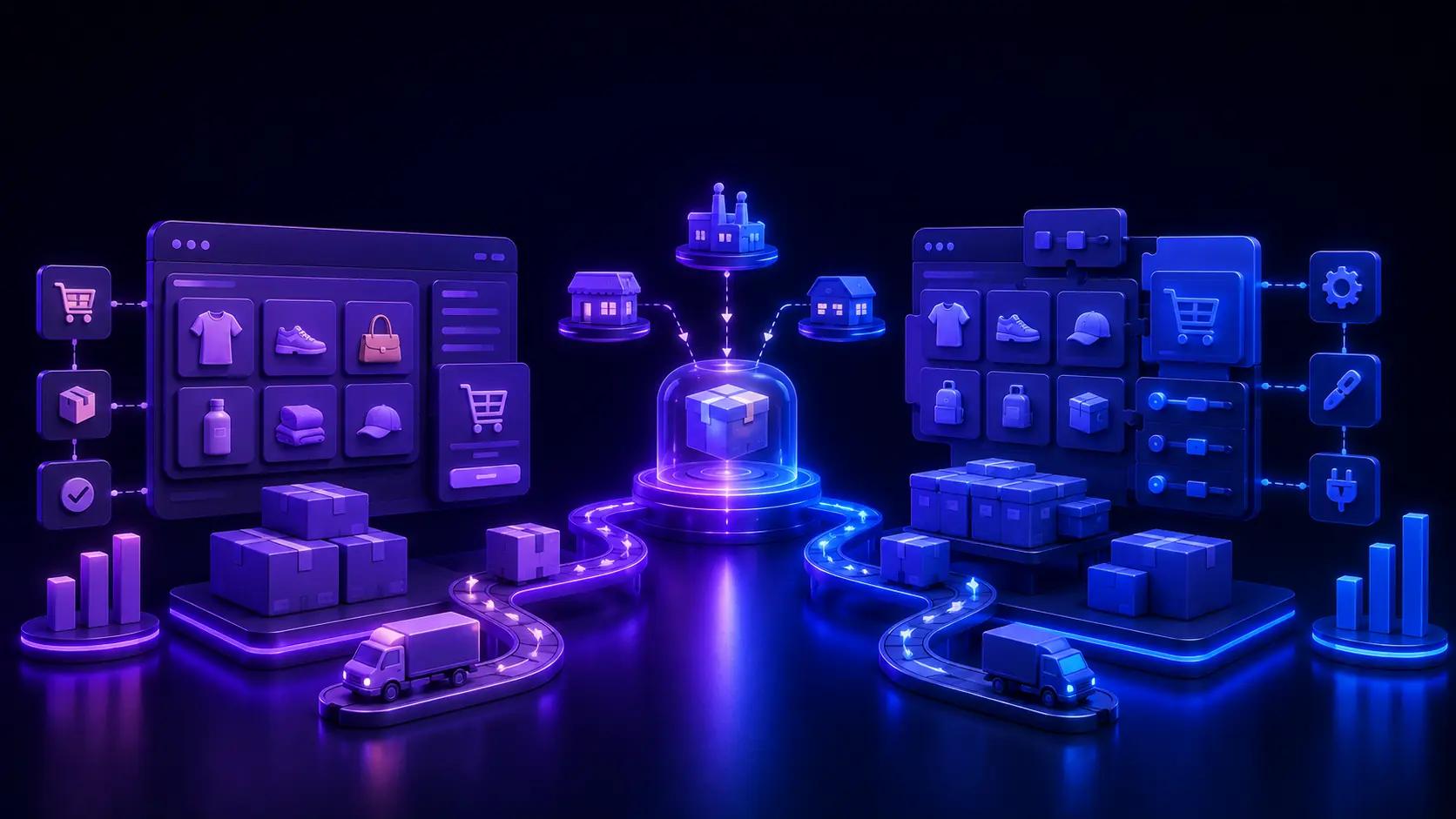

Dropshipping does not only test products. It tests how fast a seller can build pages, connect suppliers, launch ads, fix checkout issues, improve conversion, and move on when something fails.
That is where Shopify and WooCommerce feel genuinely different.
Shopify gives dropshippers a more managed system: apps, hosting, checkout, and product testing workflows sitting in one place. WooCommerce gives sellers more control through WordPress, but that control comes with more setup, more plugins, more hosting decisions, and more maintenance. Neither approach is automatically wrong, and the Shopify vs. WooCommerce decision usually comes down to how much of that infrastructure you truly want to manage yourself.
Weighing Shopify or WooCommerce for dropshipping right now? For most beginners and product testers, Shopify is usually the better choice. Is Shopify better than WooCommerce for that specific job? Usually, yes. For experienced WordPress users, developers, or sellers who want deeper ownership and customization, WooCommerce can still make sense.
Shopify vs. WooCommerce: The Short Answer
Choose Shopify if you want the easier, faster, more dropshipping-ready platform. Choose WooCommerce if you want open-source control, WordPress flexibility, and more ownership over hosting and customization. Choose Shopify with PagePilot if you want to test products faster with AI-generated product pages, descriptions, visuals, and conversion-focused sections.
What Is Shopify?
Shopify is a hosted ecommerce platform for dropshippers for online selling. It handles hosting, security, checkout, product management, orders, payments, and analytics in one system, and its app ecosystem covers dropshipping apps, print-on-demand tools, product pages, collections, and themes.
Shopify is not free, and app costs can stack quickly. But for dropshippers, the value usually comes from speed: testing a product without managing servers, security patches, or plugin conflicts.
What Is WooCommerce?
WooCommerce is an open-source ecommerce plugin built for WordPress ecommerce that turns a WordPress site into an online store. It gives sellers deep control over design, hosting, extensions, and customization, with payment gateways and a dedicated Dropshipping extension that can group ordered products by supplier and send automated notification emails to wholesale suppliers.
WooCommerce is not bad for dropshipping. It can work well, especially for sellers who already know WordPress or have technical support. The issue is that it often requires more setup and ongoing maintenance than Shopify does.
Shopify vs. WooCommerce: Key Differences at a Glance
Is Shopify or WooCommerce Better for Dropshipping?
On the Shopify vs. WooCommerce dropshipping question, Shopify is better for most sellers because it is easier to launch, easier to connect with dropshipping apps, and stronger for fast product testing without a developer. Dropshipping success often depends on speed: finding products, building product pages, launching ads, testing offers, replacing weak products, and improving conversion. Shopify is usually better for this workflow because more of the ecommerce infrastructure is already managed. WooCommerce gives more control, but control can slow beginners down if they are not technical.
Shopify is better for dropshipping if...
You are new to ecommerce, want to launch quickly, and want a large dropshipping app ecosystem. It also fits better if you plan to test multiple products, run Meta, TikTok, or Google ads, and want to use AI tools like PagePilot for product pages and creatives without managing hosting.
WooCommerce is better for dropshipping if...
You already know WordPress, want full ownership of your site setup, and have a developer or technical skills. It also fits better if you already have a WordPress site with traffic and want to avoid being tied to one hosted ecommerce ecosystem.
Shopify vs. WooCommerce: Which Is Easier?
Which is easier Shopify or WooCommerce? Shopify is easier for most dropshipping sellers. It is hosted, which means sellers do not need to choose hosting, configure WordPress, manage plugin conflicts, or monitor security updates. WooCommerce can be easy for WordPress users, but it usually has more moving parts.
Why Shopify is easier
Hosting is included, store setup is guided, and checkout is already part of the platform. Dropshipping apps are widely available, and app installation is straightforward enough for non-developers to launch and test products quickly.
Why WooCommerce can feel harder
It requires WordPress setup, hosting decisions, and attention to plugin compatibility and theme performance. Dropshipping workflows may need multiple plugins, and troubleshooting can get technical fast when something breaks.
Which Is Cheaper to Run, Shopify or WooCommerce?
It deserves more nuance than a simple price comparison. WooCommerce can be cheaper at the software level because the core plugin is free, with no platform fees or revenue share. Shopify can be more predictable because it uses monthly plans. The real cost depends on hosting, apps, plugins, themes, payment processing, and how much technical help the seller needs.
Shopify cost considerations
The monthly Shopify plan, payment processing, third-party transaction fees if you skip Shopify Payments, dropshipping apps, product sourcing tools, and a page builder or conversion tool all factor into the real cost. Sellers weighing how much it costs to build a Shopify website usually find the number depends far more on apps than the base plan.
WooCommerce cost considerations
Hosting, a domain, a WordPress theme, WooCommerce extensions, dropshipping plugins, and payment processing all add up, along with security tools, backups, and any developer or maintenance support the store needs to stay fast and stable.
Simple cost takeaway
WooCommerce may be cheaper for sellers who can manage WordPress themselves. Shopify may be cheaper in terms of time, speed, and operational simplicity. For dropshipping, the cheapest platform is not always the best one. A store that launches faster and tests faster can be worth more than a lower monthly software bill, and running an AI store builder pricing comparison before committing to a stack helps avoid paying twice for overlapping tools.
Which Converts Better, Shopify or WooCommerce?
Shopify conversion rate tends to outperform a stock WooCommerce conversion rate for non-technical sellers, though conversion still depends on the product, offer, traffic quality, product page, checkout, speed, and trust signals, none of which are platform-exclusive. That said, Shopify usually gives dropshippers a more conversion-ready foundation out of the box.
Why Shopify often has the conversion edge for dropshipping
Shopify gives sellers a hosted checkout, strong app ecosystem, cart drawer options, upsells, review apps, and paid traffic integrations, all useful for conversion rate optimization. This makes it easier for non-technical sellers to improve conversion without rebuilding the store from scratch, and pairing that foundation with the best Shopify apps to increase conversion rates usually closes the rest of the gap.
Why WooCommerce can convert well
WooCommerce can convert very well when it is properly built, fast, secure, and optimized. A skilled developer can create a high-performing store with deep customization. For beginners, though, conversion often depends heavily on plugin choices, hosting quality, and technical execution.
Conversion factors that matter more than the platform name
Product-market fit, offer strength, product images and descriptions, above-the-fold clarity, trust signals, page speed, checkout friction, and retargeting capture all shape conversion more than the platform name on the invoice.
Where PagePilot helps Shopify conversion
Do not let weak product pages waste the ad spend you already paid for. PagePilot helps Shopify sellers build product pages that are conversion-ready from the start instead of assembled section by section by hand. Sellers can use AI product descriptions, visuals, and page structures built around how ecommerce shoppers really decide to buy, including AI-generated Shopify product descriptions built to read like a person wrote them.
Starting from scratch is easier too, once you know how to go about writing high-converting Shopify product descriptions with AI instead of copying whatever came in the supplier feed.
Shopify vs. WooCommerce for Dropshipping Apps and Supplier Integrations
A dropshipping ecommerce platform lives or dies on its apps, plugins, suppliers, order routing, and inventory syncing. As an ecommerce platform for dropshipping, Shopify's strengths include a larger app ecosystem, easier product import workflows, and stronger integrations for paid ads and tracking, plus a better fit for one-product stores built to test fast.
WooCommerce's strengths lie in its flexible WooCommerce plugins ecosystem and more ownership over the tech stack, which can be customized for specific supplier workflows with the right extensions and developer support. Sellers weighing a full dropshipping platform against a plugin stack usually find the platform route faster to launch. For beginners and fast-moving dropshippers, Shopify is usually easier. For advanced sellers with technical support, WooCommerce can work well.
Shopify vs. WooCommerce for Product Testing
Product testing is where the difference becomes obvious. Dropshippers need to create dropshipping product pages quickly, test offers, replace weak products, and launch new campaigns without rebuilding the store every time. Shopify is usually better for this because store setup, app connections, and product page creation move faster, and a list of best apps for dropshipping plugs in without much configuration.
WooCommerce can test products too, but setup can be slower, the plugin stack may need tuning, and non-technical users can lose real time troubleshooting theme and performance issues. PagePilot makes Shopify even stronger for product testing by helping sellers generate product pages, descriptions, visuals, and conversion-focused sections faster, which matters most when a product needs a fresh page and creative within hours rather than days. That speed also matters when hunting for dropshipping products with high profit margin, since a faster page turnaround means more products tested per week.
Shopify vs. WooCommerce for Paid Ads
For dropshipping, paid traffic is often the main growth channel, and the store needs to turn ad clicks into purchases quickly. Shopify's advantages include faster page creation, a stronger checkout ecosystem, more cart and upsell tools, and easier tracking setup for most sellers. WooCommerce's advantages include full control over landing page structure, WordPress flexibility, and deep technical customization for sellers who have the resources to build it properly.
Use Shopify if speed and simplicity matter most. Use WooCommerce if you have technical resources and want deep control over the whole funnel. For Shopify sellers testing offers, PagePilot can help build product landing pages faster and cut wasted spend from pages that were never built to convert, and the same logic applies when you optimize a landing page for lead generation.
Shopify vs. WooCommerce for SEO
WooCommerce has strong SEO potential because it runs on WordPress, which has a mature content and SEO plugin ecosystem, full control over site structure, and strong blogging capabilities. Shopify has strong ecommerce SEO structure for product pages, collections, and internal linking, with a cleaner setup for sellers who do not want to manage WordPress complexity.
WooCommerce may be stronger for technical or content-heavy SEO teams. Shopify is usually easier for ecommerce sellers who want a clean product and collection structure without the extra layer of a WordPress stack, and Google's own ecommerce SEO best practices reflect a lot of what that structure is built around.
Shopify vs. WooCommerce for Speed, Hosting, and Maintenance
This is one of the biggest practical differences between the two platforms, and it shows up fastest at ecommerce checkout. Shopify includes hosting, manages the infrastructure, and creates fewer plugin conflict issues, which makes setup more predictable for beginners. WooCommerce puts hosting quality, plugin stack, theme quality, and security updates in the seller's hands, which means more control but also more ongoing responsibility.
WooCommerce gives more control. Shopify removes more operational burden, and protecting your Core Web Vitals score matters on either platform once paid traffic starts arriving on mobile.
Should I Switch From WooCommerce to Shopify?
Switch from WooCommerce to Shopify if your dropshipping business is spending too much time on technical setup, plugin conflicts, maintenance, or slow product testing.
Signs you should switch from WooCommerce to Shopify
You want to test products faster, you are tired of plugin conflicts, and your site speed is inconsistent. It is also a sign if you need easier dropshipping app workflows, a simpler checkout setup, or want to use Shopify-focused AI tools like PagePilot without managing hosting and security yourself.
Reasons to stay on WooCommerce
Your WooCommerce store is already fast and profitable, you have reliable developer support, and you rely heavily on WordPress content and SEO. Staying also makes sense if you need deep customization and want maximum ownership over the technical setup.
WooCommerce to Shopify migration checklist
Moving from WooCommerce to Shopify means rebuilding your product pages for conversion instead of copying them over.
- Start by auditing products, variants, images, categories, and URLs, then export product data where possible and review your top-selling pages and traffic sources.
- Choose a Shopify plan and theme, rebuild collections and navigation, and rewrite product descriptions instead of reusing generic supplier copy.
- Add reviews, FAQs, and shipping details, set up payments, taxes, and analytics, rebuild high-traffic landing pages, test the checkout and cart flow, and use PagePilot to create stronger Shopify product pages faster once the store structure is in place.
- Comparing GemPages pricing and Shogun page builder pricing at this stage can also help decide which page-building tool fits the new store.
Most sellers moving off WooCommerce end up comparing more than one Shopify page builder before settling in. A side-by-side look at PagePilot vs GemPages or PagePilot vs Shogun tends to answer the question faster than testing each one manually.
Where PagePilot Fits After Choosing Shopify
Choosing Shopify gives dropshippers the ecommerce foundation. Move from product idea to a live Shopify product page faster with AI product pages from PagePilot, which help sellers generate high-converting product pages, improve descriptions, create product images, and build landing pages without needing a designer or developer on staff.
It also helps with the boring but important stuff: reducing bounce rate on Shopify product pages and supporting one-product stores and rapid product testing, giving sellers a way to build pages fast enough to keep up with what paid traffic really demands. Browsing Shopify homepage examples is a fast way to see the design range before you commit to a theme.
Sellers weighing their options might also look at best PageFly alternatives or best GemPages alternatives before settling on a page-building workflow.
Anyone still deciding between a funnel builder and a Shopify store should check ClickFunnels pricing in 2026 first, and sellers really comparing AI store builders rather than page builders can start with PagePilot vs DropMagic.
BuildYourStore vs PagePilot is worth a read for the same reason, and the Atlas AI store builder pricing breakdown rounds things out if Atlas is on your shortlist.
A look at AI store builder pricing is worth a glance too, and checking a GemPages vs PageFly comparison also helps if those two were already under consideration.
Testers who want more app options can browse best Shopify page builders before locking in a workflow.
WooCommerce gives you control. Shopify gives you speed. PagePilot helps Shopify dropshipping pages convert once the traffic shows up.
Shopify vs. WooCommerce: Pros and Cons
WooCommerce Pros and Cons for Dropshipping
Shopify vs. WooCommerce: Final Verdict
Shopify is usually better for dropshipping beginners, product testers, paid ads, one-product stores, and sellers who want speed and simplicity. WooCommerce is better for sellers who already know WordPress, want deeper control, or need a highly customized setup. WooCommerce can be cheaper if you manage everything yourself, but Shopify is usually easier to run, and it usually has the conversion advantage for non-technical dropshippers because it offers a more managed checkout, app, cart, and product-page ecosystem.
If you choose Shopify for dropshipping, do not rely on generic product pages and copied supplier descriptions. Your product pages need to explain the offer, build trust, answer objections, and make buying easy, and PagePilot helps you create those pages faster with AI so every product test gets a fair shot at converting.