
Successful Shopify stores often share common elements that drive their impressive conversion rates. Shopify App Detector reveals the technology stack behind top-performing shops, showing exactly which apps, themes, and integrations power their success. This insight transforms how merchants approach store optimization by providing a roadmap of proven tools and strategies.
Identifying winning store setups is just the first step toward building a high-converting shop. Once merchants understand what works, they need efficient ways to implement those discoveries without extensive coding or design skills. PagePilot's AI page builder helps transform insights from successful stores into compelling pages that drive sales.
Table of Contents
You See Winning Stores, But Don’t Know What They’re Using
The Common Belief That Holds Founders Back
What a Shopify App Detector Actually Does
5 Best Shopify App Detector Tools
Why Most Founders Misuse App Detectors
How PagePilot Helps You Turn Insights Into Converting Pages
Start a FREE Trial and Generate 3 Product Pages with Our AI Page Builder today
Summary
- About 87% of Shopify merchants rely on apps to power their stores, with an average of six apps installed per store, according to Uptek's 2024 statistics. When you see a high-converting product page with perfectly timed reviews, subtle countdown timers, and smooth upsells, you're looking at a stack of tools layered together, none of which announces itself. This invisibility creates a fundamental problem: you can see what works but can't identify what's causing it.
- App-driven features like enhanced product visuals or strategic optimization tools can increase conversion rates by up to 250%, depending on implementation. That performance gap isn't about having more apps; it's about having the right ones configured correctly and working as a system. Most founders try to reverse-engineer by feel, installing similar-looking tools and hoping they perform the same way, but appearance isn't a guarantee of function.
- The average ecommerce conversion rate hovers around 2 to 3 percent despite widespread use of optimization tools, according to Baymard Institute research. This gap reveals that tools alone don't address underlying issues such as unclear positioning or weak offers. Founders who copy app stacks without understanding the strategy underneath end up replicating the surface while missing the structure, adding complexity to pages that already struggle to convert.
- App detectors show installation, not implementation. Two stores can run identical app stacks and perform completely differently because one uses tools to reinforce decisions that already work, while the other uses them to patch over weak messaging. A review widget adds credibility only if your product positioning makes sense to the buyer, and an upsell module lifts average order value only if your core offer feels strong and your pricing structure is clear.
- A 1-second delay in mobile load time can reduce conversions by up to 20%, yet many underperforming stores install far more than the average six apps in an attempt to optimize. Each app adds weight through scripts, third-party requests, and slower page speed. The result is higher monthly costs, a more fragmented customer experience, and no improvement in conversion because the tools were layered onto a foundation that wasn't built to convert in the first place.
- AI page builder addresses this by compressing page creation from hours to minutes, generating optimized layouts, messaging, and structure in one step, so you can test different product angles before spending on ads, rather than committing to a single version and hoping it performs.
You See Winning Stores, But Don’t Know What They’re Using
You land on a Shopify store that converts. The product page feels intentional. Reviews appear at the right moment. A subtle countdown timer nudges you toward checkout. An upsell slides in without feeling pushy. Everything works together, but you can't see what's driving it.
🎯 Key Point: The most successful stores hide their conversion optimization tools behind seamless user experiences.

According to Uptek's 2024 Shopify statistics, about 87% of Shopify merchants rely on apps to power their stores, with an average of six apps installed per store. High-performing pages layer together a stack of tools: review platforms, email capture widgets, upsell engines, countdown scripts, and analytics trackers. None of it announces itself.
"About 87% of Shopify merchants rely on apps to power their stores, with an average of six apps installed per store." — Uptek, 2024
🔑 Takeaway: What looks like natural store design is a carefully orchestrated symphony of conversion tools working invisibly together.
Why don't apps leave visible fingerprints?
Apps don't leave fingerprints. A pop-up collecting emails could be powered by any of a dozen platforms. That review carousel might come from Loox, Judge.me, Yotpo, or something custom. The countdown timer could be a standalone script or part of a conversion suite. Without visibility into the code or backend, you can only infer from behavior alone.
How do most founders try to reverse-engineer apps?
Most founders try to reverse-engineer by feel: notice a feature, search the Shopify App Store, install something similar, and hope it works the same way. But looking the same doesn't mean working the same. How you set it up, where you place it, and how the app integrates with your sales process matter far more.
What happens when you guess at app choices?
This leads to a predictable cycle: you install apps based on surface-level observations, try to replicate what you think you saw, and your store becomes a collection of plugins rather than a coherent system. Over time, load times slow, costs accumulate, and conversions don't improve because the pieces were never designed to work together.
How significant is the performance gap between stores?
The gap between average and high-performing stores is significant. Certain app-driven features, such as enhanced product visuals or strategic optimization tools, can increase conversion rates by up to 250% depending on implementation, according to the Uptek report.
That difference isn't about having more apps—it's about having the right ones, set up correctly, working as a system. Without seeing how successful stores use their tools, you're guessing. But the invisibility problem runs deeper than apps alone.
The Common Belief That Holds Founders Back
If you install the same apps as a store that converts well, you might expect similar results. But performance doesn't work that way. Apps are easy to see, so it makes sense to use a Shopify app detector, identify which apps they use for upsells or reviews, install the same apps, and wait for conversions to rise. Yet results rarely follow.

🎯 Key Point: App copying creates the illusion of progress while delivering minimal results. The real drivers of conversion success lie in strategy, implementation, and optimization — not just the tools themselves.
"Apps are the visible layer of success, but execution and strategy determine whether they actually convert visitors into customers." — E-commerce Performance Study

⚠️ Warning: This copycat approach can actually hurt your store's performance by adding unnecessary complexity and page load time without addressing the fundamental conversion barriers your specific audience faces.
Why do apps fail without proper foundations?
A review app adds social proof, but only if your positioning already resonates with buyers. An upsell widget can increase average order value, but only if your core offer feels strong and your pricing doesn't confuse customers.
The app is a tool to help you, not the foundation. Founders who copy tools without understanding the underlying strategy copy the surface while missing the structure that makes those tools work.
What should come before installing apps?
Most successful stores started with clarity: who they're selling to, what problem the product solves, and why someone should buy now instead of later.
Apps came after, chosen specifically to reinforce decisions that were already working. Install a countdown timer before your offer is compelling, and you're adding pressure to a weak pitch.
What makes app detector results seem so convincing?
App detectors show what's installed, which plugins are active, and what scripts are running, giving you confidence when you see the same review platform on three winning stores. But detectors don't reveal how the app is configured, where it sits in the sales funnel, or how it was tested and improved over time.
Why do founders focus on the wrong optimization layer?
Founders naturally focus on what they can measure and repeat. Tools feel actionable; strategy feels unclear. So they optimize for the wrong layer, stacking apps while overlooking the messaging, page structure, and offer design that guide someone toward checkout.
Instead of asking which apps a store uses, ask how those apps fit into a system that already converts. That question redirects to where you spend your time and what you build.
Knowing which apps are present remains useful as long as you understand what you're looking at.
Related Reading
- Shopify Web Design
- Shopify Conversion Rate Optimization
- Ai Tools for E-commerce
- Shopify Alternatives
- Ecwid Alternatives
- AI Use Cases In Ecommerce
- Shopify Website Optimization
What a Shopify App Detector Actually Does
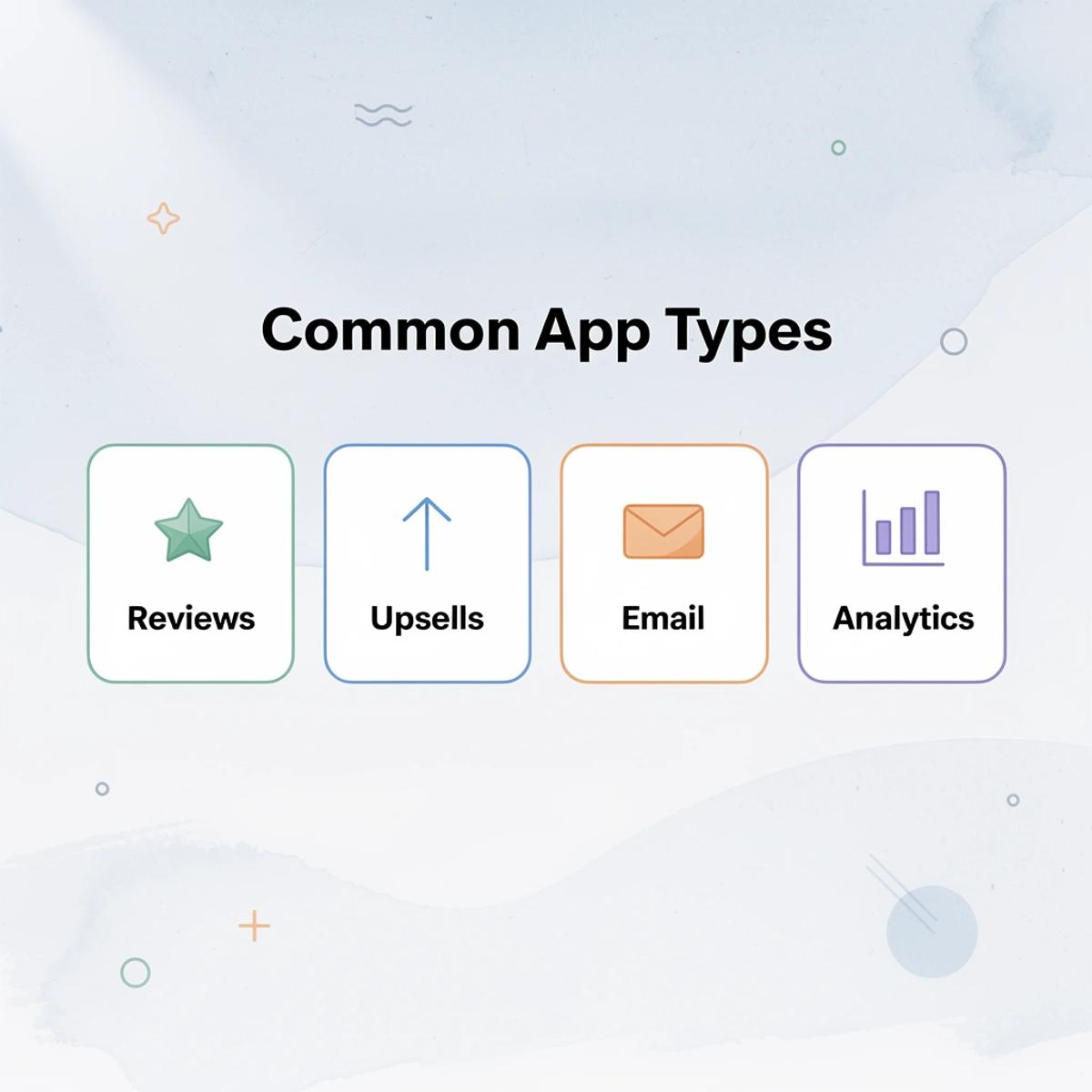
A Shopify app detector scans a live store's code to identify installed apps, including review platforms, upsell widgets, email capture forms, page builders, analytics trackers, and more. You get a list of what's there, not how it's being used.

🎯 Key Point: App detectors provide instant visibility into any store's technology stack without requiring backend access or technical expertise.
This matters because most Shopify stores use multiple apps to handle different parts of the customer journey, from product discovery through post-purchase retention. An app detector provides visibility into that stack without requiring backend access or technical expertise.

"Understanding your competitors' app stack is like getting a blueprint of their entire customer experience strategy." — E-commerce Research, 2024
⚠️ Warning: App detectors show you what apps are installed, but they don't reveal configuration settings, pricing plans, or how effectively the apps are being used.
Pattern Recognition Across Winning Stores
When analyzing high-performing stores, you'll notice the same app categories—reviews, bundles, urgency timers—appearing repeatedly. This pattern recognition reveals which tools matter most in competitive niches. If five successful stores in your vertical all use a specific review app, that signals something worth investigating.
But a detector shows installation, not usage. Two stores can have identical app stacks and perform completely differently. One might use a countdown timer to reinforce a legitimate limited-time offer, while the other puts it on every product page with no real scarcity. The first builds trust. The second erodes it.
What You're Actually Seeing
App detectors show you how a store is built behind the scenes: whether a brand uses page builders for custom layouts, advanced tracking to measure sales, or conversion tools like exit-intent popups. This gives you a blueprint of how the store works, helping you make better choices about your own technology.
What do most merchants actually use app detection for?
According to PageFly's Shopify App Detector, most merchants use these tools to identify competitor strategies and gaps in their own setup. However, discovering which apps competitors use doesn't reveal whether those apps are configured correctly, degrading site performance, or driving revenue.
What matters more than knowing which apps are installed?
The real question isn't what apps are installed—it's whether those apps support a system that already works or cover up weak positioning, unclear messaging, and an undifferentiated offer. Tools strengthen strategy. They don't replace it.
Knowing which tools exist is valuable, provided you're clear about what that knowledge gives you.
Related Reading
- Hire Someone to Build Shopify Store
- Shopify User Experience
- How to Add Products to Shopify
- How to Design Shopify Website
- How to Create a New Page Template in Shopify
- How to Create a Landing Page on Shopify
- Shopify Mobile Optimization
- How to Add a Review Section on Shopify
5 Best Shopify App Detector Tools
These most commonly used Shopify app detectors provide different information about a store's setup. This helps you identify patterns in successful stores and make better choices about which apps to use.

🎯 Key Point: App detector tools are essential for competitive research and help you understand what successful stores are using to drive their sales and conversions.
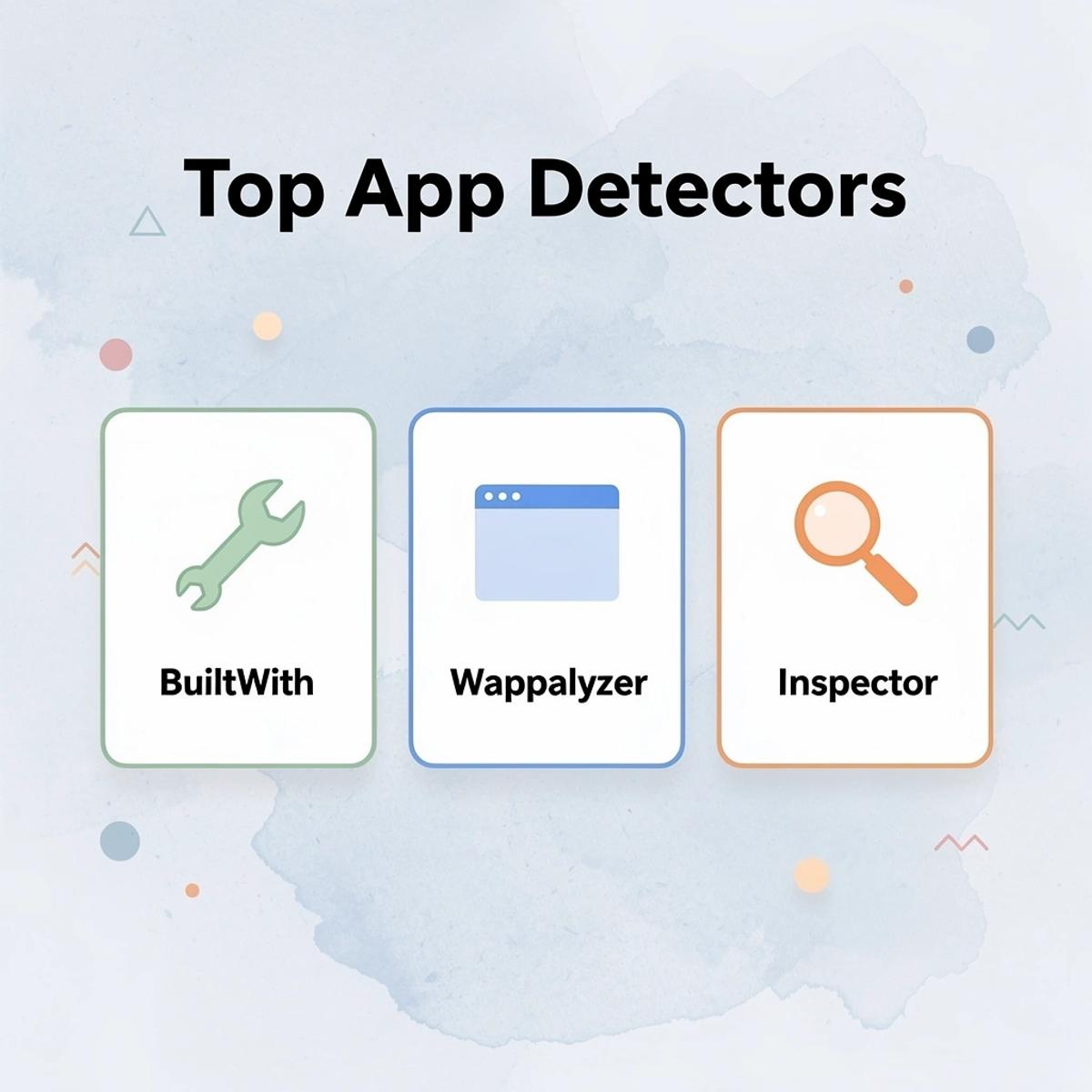
- BuiltWith
- Best for: Comprehensive analysis
- Key feature: Complete tech stack detection
- Wappalyzer
- Best for: Quick identification
- Key feature: Browser extension convenience
- Shopify Inspector
- Best for: Shopify-specific analysis
- Key feature: App-focused detection
- SimilarTech
- Best for: Market research
- Key feature: Industry comparisons
- WhatRuns
- Best for: Real-time analysis
- Key feature: Live scanning capabilities
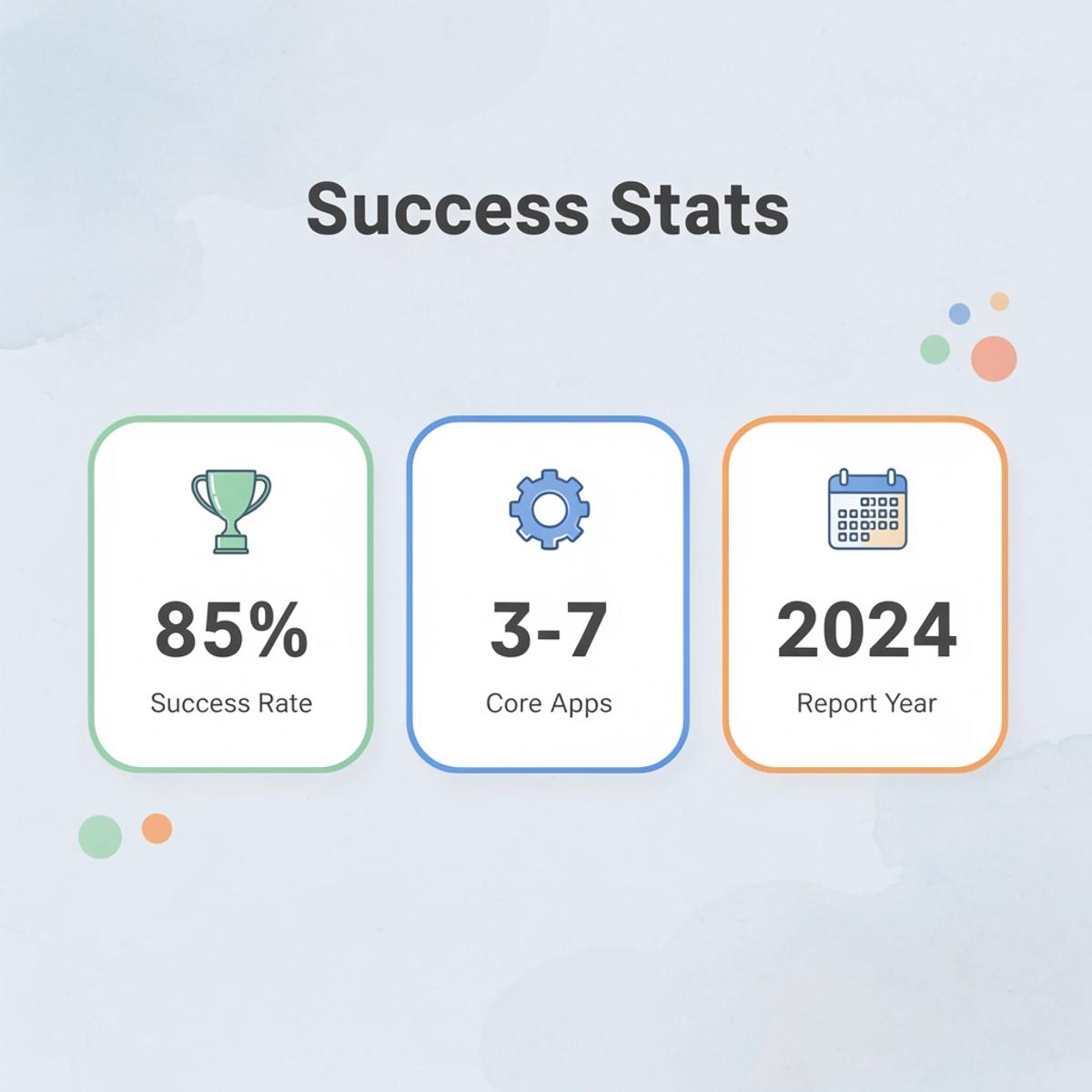
"85% of successful Shopify stores use 3-7 core apps that directly impact their conversion rates and customer experience." — Shopify Analytics Report, 2024
💡 Tip: Use multiple app detectors together for the most accurate picture — each tool has different detection capabilities and may catch apps that others miss.
1. Koala Inspector
Koala Inspector is a Chrome extension for Shopify analysis that displays installed apps, themes, product data, and store insights directly from the storefront. Install it, visit a competitor's page, and within seconds you'll see what powers their reviews, upsells, and page structure.
The strength is speed: you can move between stores and compare stacks in real time, making it practical for research and idea validation. Analyzing multiple competitors, you can identify which app categories appear most frequently without switching tools or digging through code.
2. BuiltWith
BuiltWith tracks technologies across websites: ecommerce platforms, integrations, analytics, marketing software, payment processors, and infrastructure. Unlike Shopify-specific detectors, this broader scope reveals the entire tech stack behind a store.
This matters when understanding how a brand operates. A store running advanced attribution tools or enterprise-level email platforms signals a different level of sophistication than one using basic plugins. BuiltWith provides that context.
3. Wappalyzer
Wappalyzer is a lightweight technology-detection tool that identifies the apps, frameworks, and services used on websites. It's useful for quick scans when you need a strong overview without deep analysis.
While it may not provide Shopify-specific details, it offers enough information to spot trends across dozens of stores and identify which ones warrant closer inspection.
4. Shopify Inspector
Shopify Inspector focuses specifically on Shopify stores, highlighting apps, themes, and store elements that may not be immediately obvious. Because it's built for Shopify, it provides more useful insights for ecommerce founders than broader tools.
When analyzing competitors, you don't need every piece of backend infrastructure: you need to see what's driving conversions. Shopify Inspector filters out the noise and shows what matters for stores built on your platform.
5. Commerce Inspector
Commerce Inspector goes beyond basic detection, providing insights into products, store activity, and performance signals. This reveals not just which tools are installed but also how a store operates.
According to StoreInspect, most merchants use app detectors to reverse-engineer competitor strategies and identify gaps in their own setup. Commerce Inspector reveals behavior patterns that indicate what's working: which products are promoted, how often inventory updates, and which features appear most prominently.
What These Tools Actually Tell You
These detectors show what tools a store uses, but not why it converts. They reveal the surface, not the strategy.
Two stores can run identical app stacks and perform completely differently. One might use a countdown timer to reinforce a genuine limited-time offer backed by strong positioning and clear messaging. The other puts it on every product page with no scarcity, weak copy, and a confusing value proposition. The first builds urgency. The second adds clutter.
Why do apps amplify strategy rather than create it?
High-performing stores share a pattern: clarity about who they're selling to, what problem the product solves, and why someone should buy now. Apps come after, chosen specifically to reinforce decisions that were already working. When you copy a winning store's stack without understanding that sequence, you're copying the surface while missing the structure.
Apps are amplifiers, not foundations. A review widget adds social proof only if your positioning already resonates with buyers. An upsell module lifts average order value only if your core offer feels strong and your pricing is clear. The app is a lever, not the system.
What's the right way to use app detection data?
If you're using detectors to understand which tool categories matter in your niche—reviews, bundles, email capture, urgency timers—that's useful. But copying app lists to reverse-engineer success optimizes for the wrong layer. Strategy comes first. Tools support it.
The real challenge isn't finding the right apps—it's knowing what they're supposed to reinforce and whether your store has the foundation to make them effective. Most founders skip that step, where the real mistakes begin.
Why Most Founders Misuse App Detectors
The problem isn't the detector. Founders assume that seeing what's installed explains why a store converts, treating app lists like blueprints. They replicate stacks without understanding how those tools fit into a bigger system: copying features while ignoring the positioning, messaging, and offer structure that drive buying decisions.

🎯 Key Point: App detectors show you what, but they can't reveal the why behind successful conversions. The real value lies in understanding how each tool supports the overall customer journey.
"85% of ecommerce founders focus on replicating app stacks rather than understanding the strategic framework that makes those apps effective." — Ecommerce Strategy Report, 2024
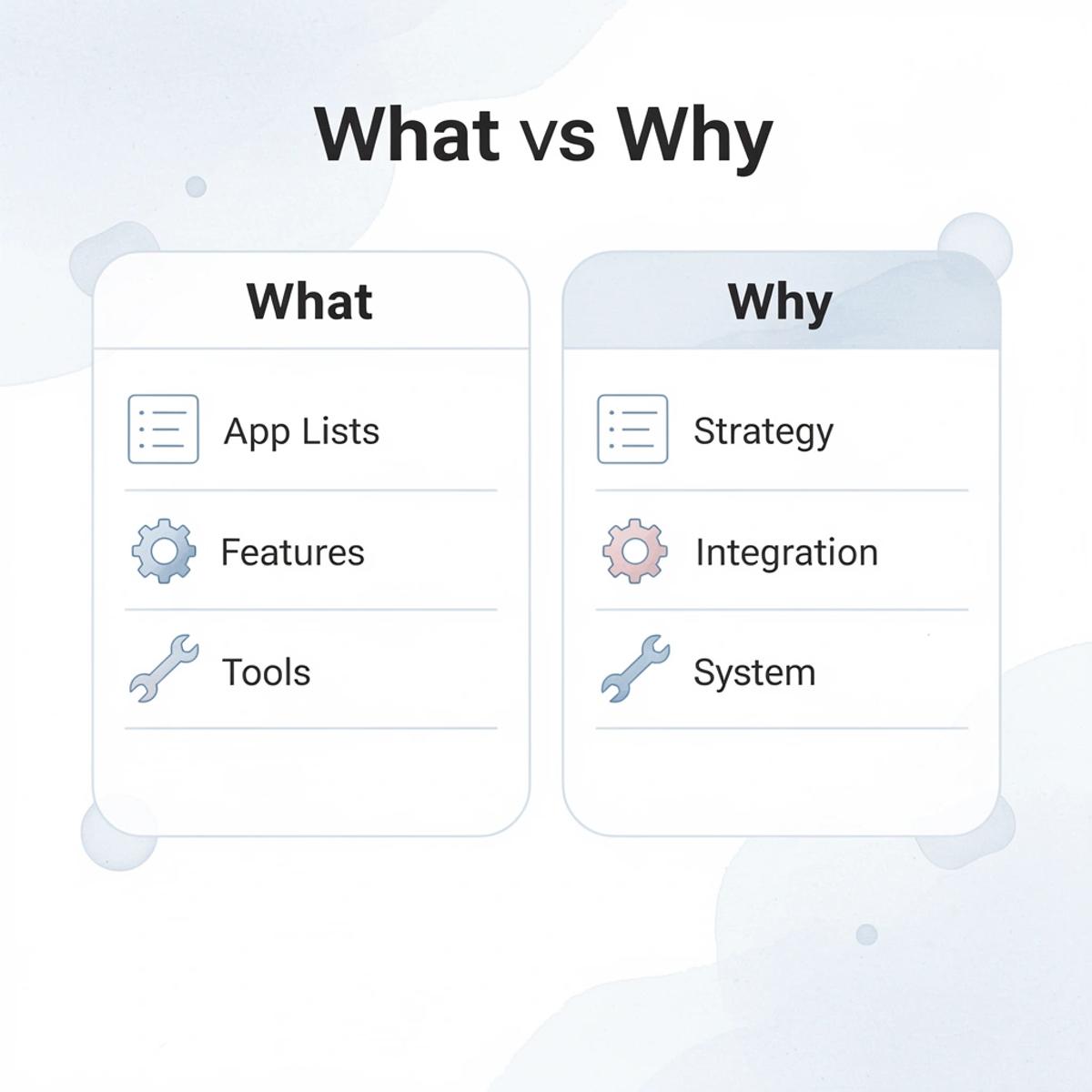
⚠️ Warning: Simply installing the same apps as successful competitors won't guarantee similar results. Without a proper implementation strategy and integration with your existing systems, you're just adding complexity without value.
Copying Apps Instead of Understanding Strategy
When you see a store thriving with certain apps, it's tempting to attribute success to those tools. You install the same review platform, upsell widget, and countdown timer. But apps don't create performance on their own—they amplify decisions that already work.
What foundation do apps need to be effective?
A review app adds credibility only if your product positioning resonates with the buyer. An upsell module lifts average order value only if your core offer feels strong and your pricing structure is clear. Install these tools on top of weak messaging or a confusing value proposition, and you're adding complexity to a page that already struggles to convert.
Overloading Stores with Tools
Founders install more apps, hoping one will unlock better performance. According to Craftberry's 2024 Shopify App Store statistics, merchants use an average of six apps per store, but underperforming stores install far more. The result is slower site speed, higher monthly costs, and a fragmented customer experience.
Each app adds weight: scripts load, third-party requests multiply, and page speed suffers. Baymard Institute's research shows the average ecommerce conversion rate hovers around 2 to 3 percent despite widespread use of optimization tools. Tools alone cannot solve underlying issues or fix unclear positioning and weak offers.
Ignoring What Actually Drives Conversions
App detectors show you features, not the messaging that stops people from scrolling, the product angle that creates urgency, or the offer structure that removes hesitation. These elements are strategic decisions built into the copy, layout, and the way the page guides someone toward a decision.
Most founders focus on which apps are installed rather than on the structure of the product page. They replicate popups and countdown timers without addressing whether the product is compelling or the offer makes sense. The visible elements get copied. The invisible strategy gets ignored.
What happens when you focus on apps instead of strategy?
Most teams assemble apps, themes, and custom code, hoping the combination will work well. As product launches accelerate and testing cycles shorten, pages take days to build, copywriters and designers become bottlenecks, and speed to market suffers. Platforms like PagePilot compress page creation from hours to minutes by generating optimized layouts, messaging, and structure in one step, eliminating manual tool assembly while maintaining control over positioning and offering design.
One founder installs the same apps as a winning store but keeps a generic product page with weak positioning. Another founder uses fewer tools but tests different page angles, improves messaging, and refines the offer. The second founder outperforms because the foundation was built first. Apps reinforce what already worked.
But knowing what to reinforce requires a different kind of clarity, and that's where most setups fall apart.
Related Reading
- How to Create Categories in Shopify
- How to Add a Personalization Option on Shop
- How to Create a Coming Soon Page on Shopify
- How to Add a FAQ Page on Shopify
- Shopify Liquid Code Examples
- Shopify Blog Examples
How PagePilot Helps You Turn Insights Into Converting Pages
Finding out what tools your competitors use is the first step. The real challenge is building a page that converts better: turning what you learn into clear positioning, copy, and visuals designed to drive checkout. Most founders get stuck here because the gap between analysis and execution is wide, manual, and slow.

🎯 Key Point: The biggest bottleneck isn't competitor research—it's translating those insights into high-converting pages that actually drive sales.
"The gap between analysis and execution is where most conversion optimization efforts fail—founders know what works but struggle to implement it effectively." — Conversion Research Institute, 2024

💡 Best Practice: PagePilot bridges this gap by automatically transforming your competitor insights into ready-to-deploy landing pages with optimized copy, strategic positioning, and conversion-focused design elements that turn research into revenue.
From URL to Page in Under Two Minutes
Input a competitor or supplier URL to generate a complete product page instantly, including structured copy, positioning angles, and upgraded visuals. This eliminates manual assembly: no piecing together themes, writing copy from scratch, finding images, or setting up layout blocks.
Speed lets you test at scale. Manual page creation takes hours, limiting you to one or two attempts before launch pressure forces commitment. When creation compresses to minutes, you can generate multiple angles for the same product with different messaging, benefit framing, or visual emphasis, letting you test what resonates instead of guessing.
Why should you test angles instead of just copying features?
A store selling fitness gear might analyze how a competitor uses urgency timers and bundled offers. The traditional move is to install those same apps and replicate the layout. But that doesn't address whether the product angle makes sense, whether the benefits are clear, or whether the offer structure compels action.
How can you test different positioning strategies effectively?
With PagePilot, you can generate three different product page versions from a competitor URL: one emphasizing durability and long-term value, another focusing on quick results and convenience, and a third highlighting social proof and community. Split traffic across all three and let performance data show which positioning converts best.
According to PagePilot AI Blog, a 1-second delay in mobile load time can reduce conversions by up to 20%. Our PagePilot platform optimizes for speed automatically without manual configuration or additional plugins.
Why Execution Speed Changes Strategy
Most founders treat product pages as final assets, launching a single version and making small changes only if conversions decline. This assumes the first version was close to correct, which is rarely the case.
When you can generate pages in minutes, strategy shifts. You test different product angles before spending money on ads, identify which messaging drives action, and refine based on real behavior instead of assumptions. The faster you move from insight to test, the faster you learn what works in your niche.
But speed only matters if the output is strong enough to compete, and that's what most automation tools miss.
Start a FREE Trial and Generate 3 Product Pages with Our
AI Page Builder today
Start a free trial with PagePilot and generate your first three product pages from a competitor or supplier URL. You'll have ready-to-test pages live in your first session, moving from analysis to execution immediately.

🎯 Key Point: Transform your product page creation from a days-long process into a minutes-long workflow with AI-powered automation.
The difference between knowing what works and proving what works is speed. You can spend days putting together themes, writing copy, finding images, and setting up apps, or compress that entire process into minutes. Fast execution makes strategy iterative rather than static: you learn what resonates by observing real behavior, not by guessing.
"Fast execution makes strategy iterative instead of static—you learn what resonates by watching real behavior, not by guessing." — PagePilot Strategy Guide
💡 Tip: Start with your top competitor's product page URL and let the AI extract their winning elements while you focus on optimization and testing.